Kanapaha Middle School
As a CTE teacher in Alachua County Public Schools (August 2023 to May 2024), I built and taught financial and technological literacy courses for students in grades 6-8.
Grades 6-8Courses 4Certifications earned 150+Projects 47

What I was responsible for
Four courses, start to finish
I wrote the syllabi, lessons and projects for Computer Applications in Business 1 and 2 and Information and Communication Technology Essentials 1 and 2, all aligned to the Florida CTE curriculum frameworks.
Certification prep
I prepared students for Digital Tools certification exams with test prep and practice tests, and students earned more than 150 certifications across the year.
Weekly projects, daily practice
Students finished one or two projects every week and typed for a few minutes as bell work while I took attendance. Lessons were built in Nearpod.
Clear grading and a respectful room
Grades were point based and entered in Skyward weekly. The classroom ran on the Golden Rule and six non-negotiables, with routines posted so students always knew what to expect.
What I taught
Two course families, each in two levels. Open a course to read about it and see the state standards it covered.
Computer Applications in Business 1
About the course
Students build the computer, digital and information-technology skills they need for later academic and career goals, and see how technology is used in business.
Focus: Computing and hardware, word processing, spreadsheets and presentations.
State standards 10
- 1.0 Identify and understand computer hardware.
- 2.0 Identify information technology tools and their proper uses.
- 3.0 Develop and apply keyboarding skills utilizing current technology.
- 4.0 Develop and apply word processing skills utilizing current technology.
- 5.0 Develop and apply electronic presentation skills utilizing current technology.
- 6.0 Develop and apply spreadsheet skills utilizing current technology.
- 7.0 Develop and utilize business-related skills.
- 8.0 Perform activities using the worldwide web.
- 9.0 Describe how information technology is used in the Business, Management and Administration career cluster.
- 10.0 Describe and use communication features of information technology.
Computer Applications in Business 2
About the course
A second semester that moves from the basics to design and business skills: more spreadsheet work, digital design in Canva and career exploration.
Focus: Excel, Canva and the career exploration projects.
State standards 9
- 1.0 Develop and apply keyboarding skills utilizing current technology.
- 2.0 Develop and apply word processing skills utilizing current technology.
- 3.0 Develop and apply spreadsheet skills utilizing current technology.
- 4.0 Develop and apply digital design skills utilizing current technology.
- 5.0 Develop and utilize business-related skills.
- 6.0 Perform activities using the worldwide web.
- 7.0 Identify components of network systems.
- 8.0 Describe how information technology is used in the Business Management and Administration career cluster.
- 9.0 Describe and use communication features of information technology.
Information and Communication Technology Essentials 1
About the course
Practical digital skills for school and work, taught in a lab with hands-on use of real equipment and software.
Focus: Hardware, online safety, presentations, graphics and email.
State standards 8
- 1.0 Identify computer components and their functions.
- 2.0 Demonstrate knowledge of different operating systems.
- 3.0 Demonstrate an understanding of Internet safety and ethics.
- 4.0 Demonstrate proficiency using the Internet to locate information.
- 5.0 Demonstrate proficiency in using word processing software.
- 6.0 Demonstrate proficiency in using presentation software.
- 7.0 Demonstrate proficiency in using graphics software.
- 8.0 Demonstrate appropriate use of email.
Information and Communication Technology Essentials 2
About the course
The next step up: students work with data, media and code, and finish by building something of their own.
Focus: Spreadsheets, databases, video and audio, web pages, games and programming.
State standards 11
- 1.0 Demonstrate knowledge of safety and privacy practices for online communication.
- 2.0 Develop and apply fundamental spreadsheet skills.
- 3.0 Develop and apply database skills.
- 4.0 Demonstrate skill in using video editing software and equipment.
- 5.0 Demonstrate proficiency in using audio editing software.
- 6.0 Demonstrate proficiency locating, gathering, and preparing textual, graphical, and image-based web content.
- 7.0 Use Web 2.0 to facilitate a web development or research project.
- 8.0 Demonstrate an understanding of computer networks.
- 9.0 Demonstrate proficiency in webpage development.
- 10.0 Demonstrate proficiency in game development.
- 11.0 Demonstrate proficiency in basic programming.
Digital Tools certifications
150+
certifications earned by my students in one school year
Certifications were a big part of the class. Students prepared with uCertify test prep and practice tests, then took the certification tests. Most of that practice happened in two programs:
The eight certifications
- PROSO803ICT – Multimedia Essentials
- PROSO806ICT – Communications Essentials
- PROSO807ICT – Computing Essentials
- PROSO808ICT – Cybersecurity Essentials
- PROSO809ICT – Spreadsheet Essentials
- PROSO810ICT – Word Processing Essentials
- PROSO811ICT – Fundamentals
- PROSO812ICT Digital Citizenship and Ethics
Inside my lessons
I built every lesson in Nearpod so each student answered, matched, drew or labeled something instead of just listening. A typical lesson starts with short teaching slides, checks understanding with an interactive question, and ends with something hands on.
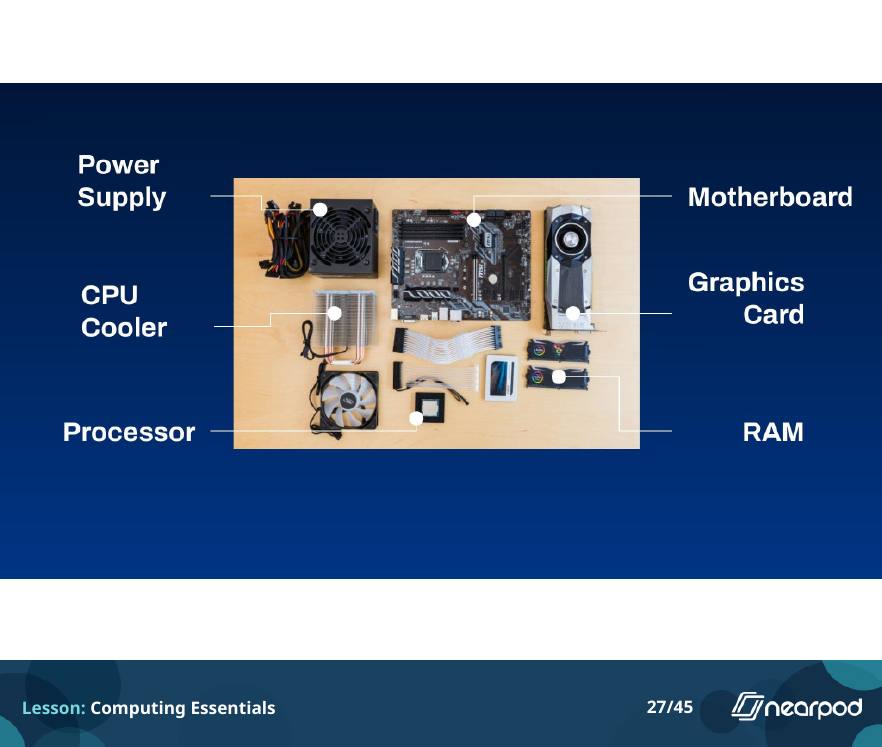
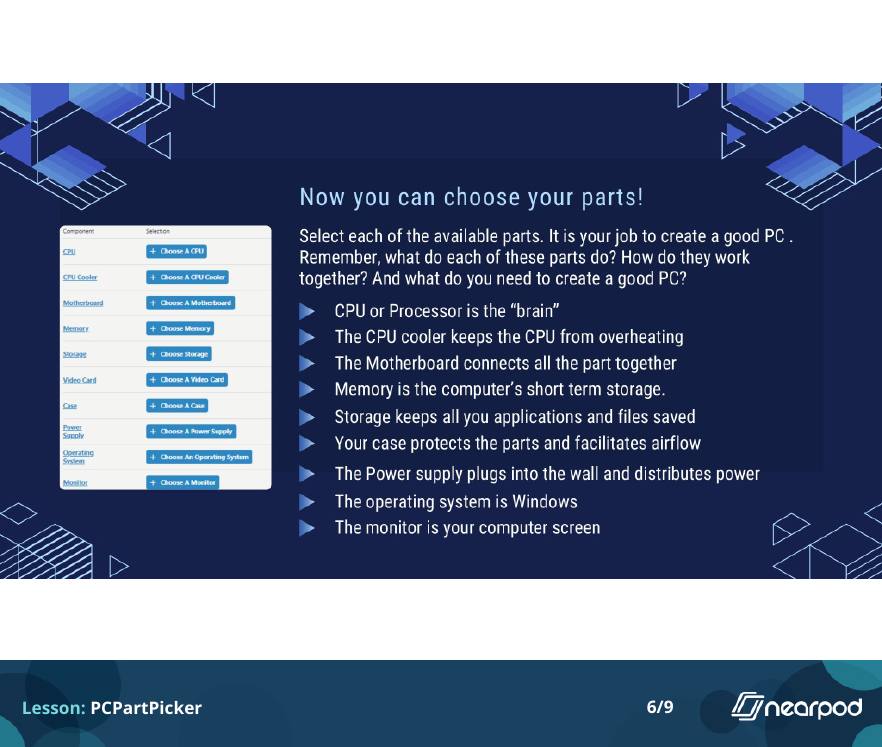
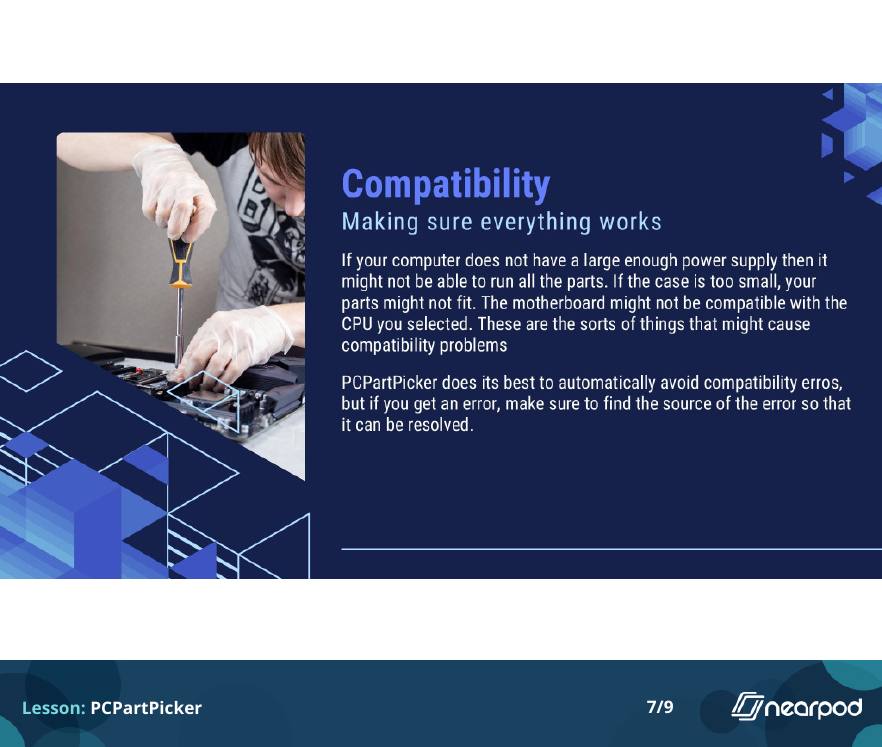
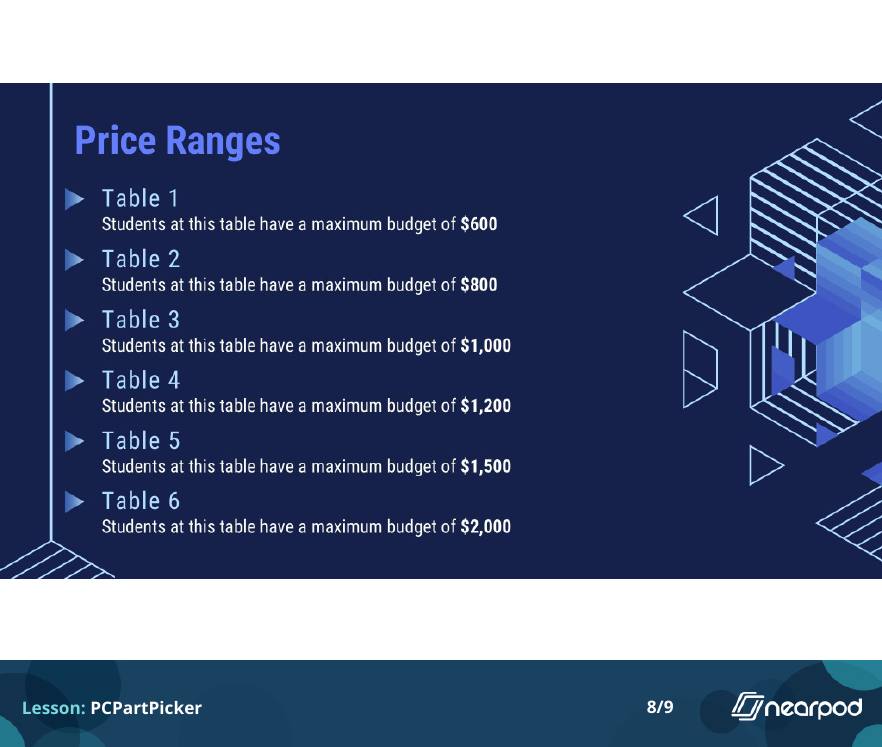
In Computing Essentials, that meant labeling real computer parts at a table. In PCPartPicker, every table got a different budget, from $600 to $2,000, and the build had to be complete and compatible.
Here are all the slides from three lessons. Slides with a student activity, like matching, drawing, typing or filling in blanks, are labeled.
All 45 slides. Students type responses, match inputs and outputs, fill in blanks, and draw circles on photos of real hardware, then label parts at a table.
How to Build a Computer Computing Essentials · slide 1 of 45
1 / 45 How to Build a Computer
 Open-ended question
 Name the parts of a computer
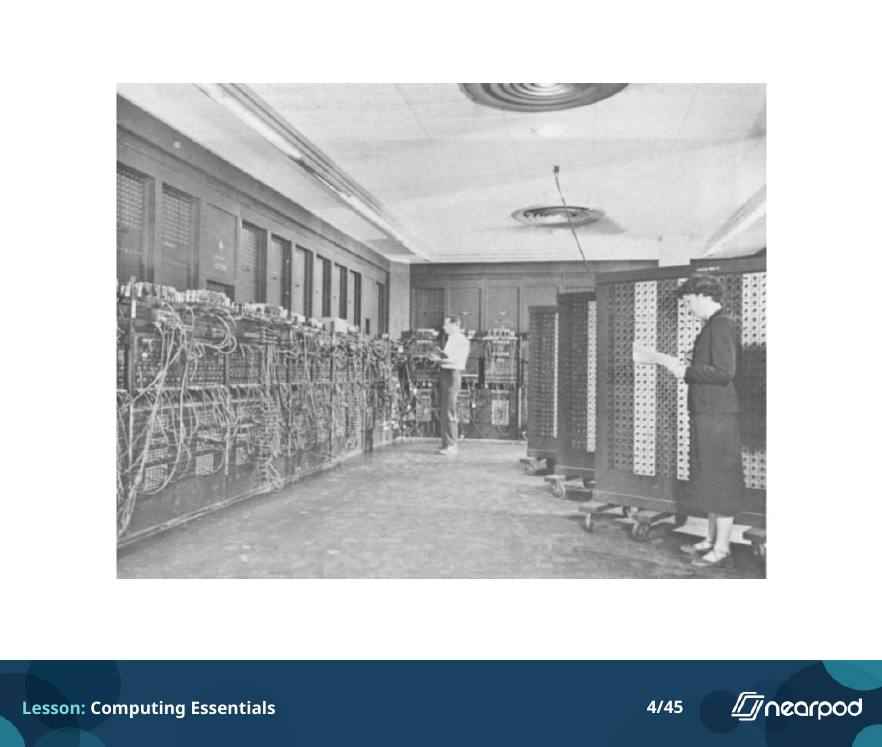
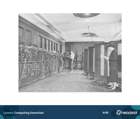 Where computers started
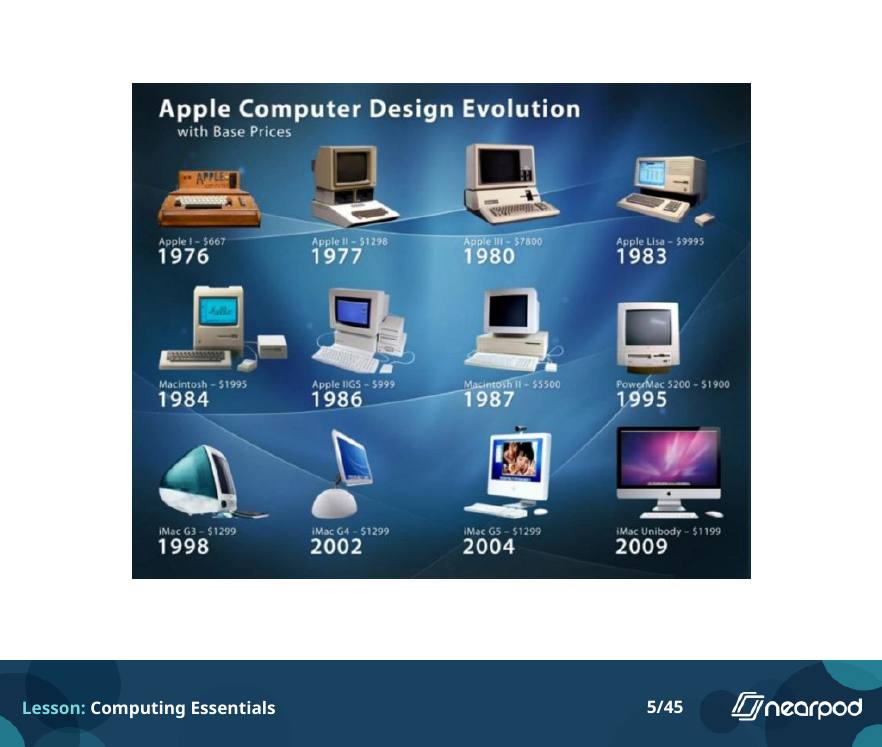
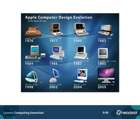 Apple design evolution
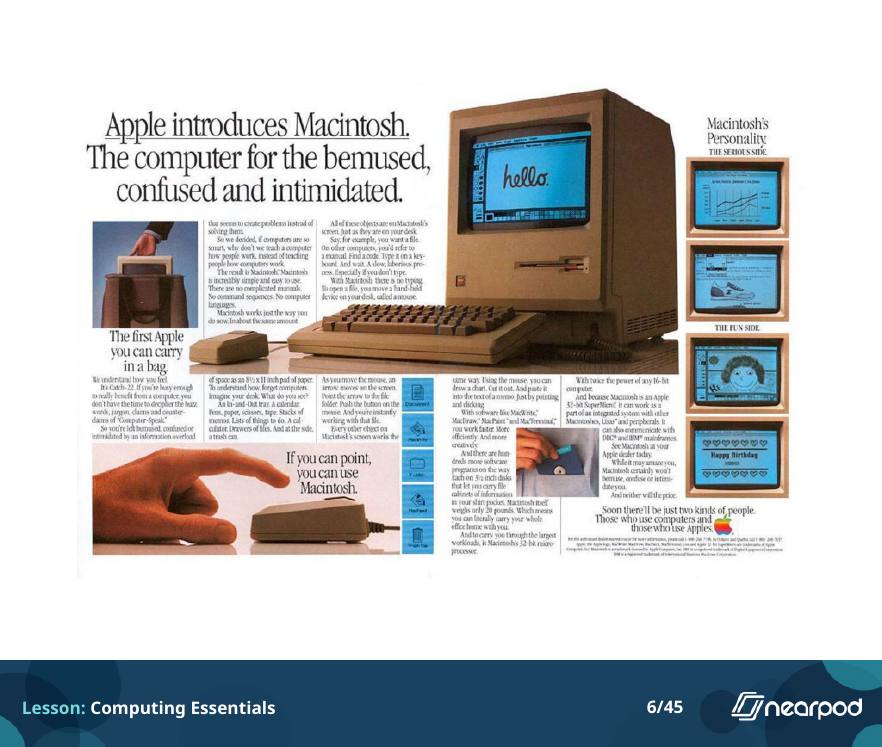
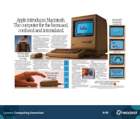 The Macintosh ad
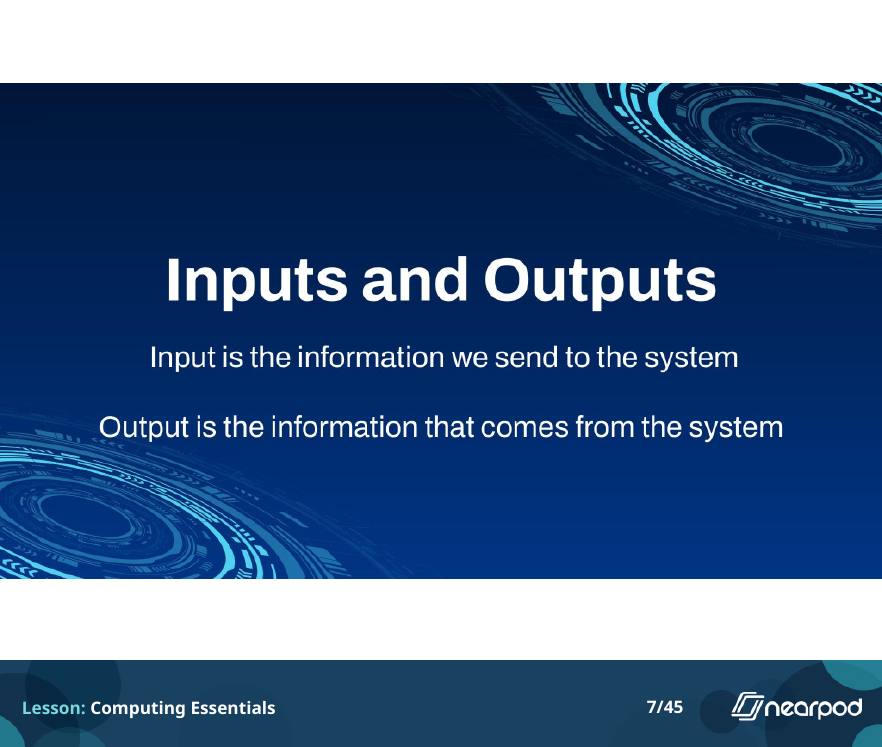
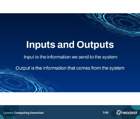 Inputs and outputs
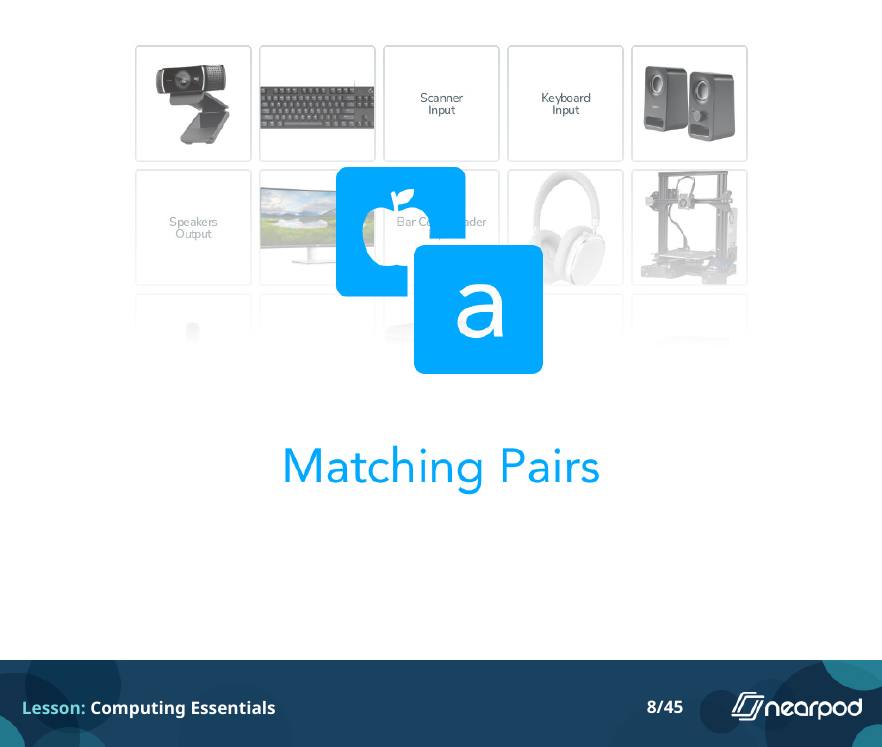
 Matching pairs
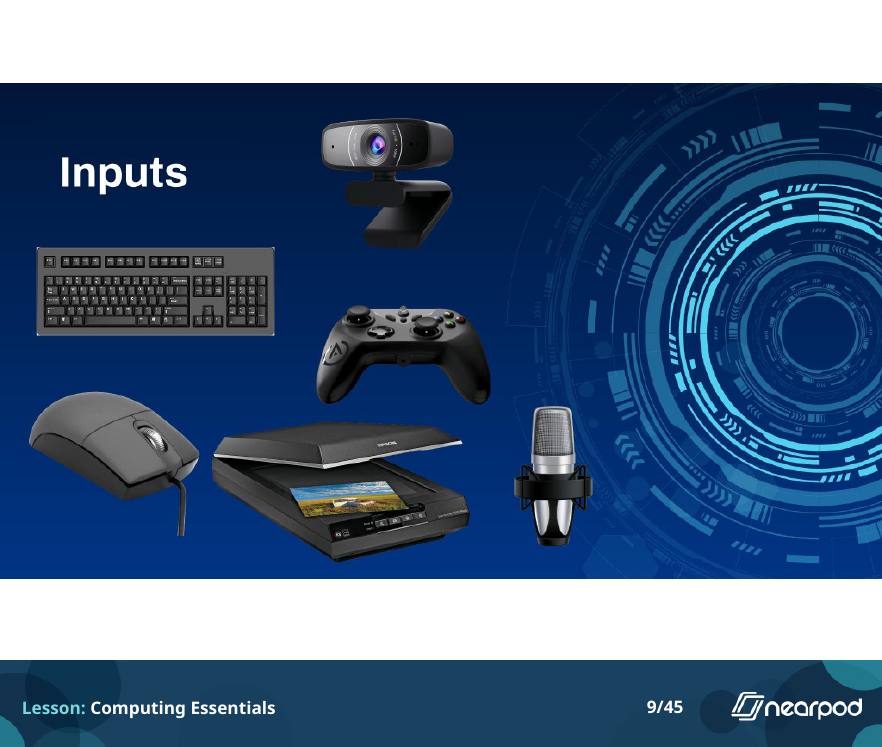
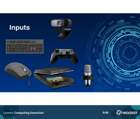 Input devices
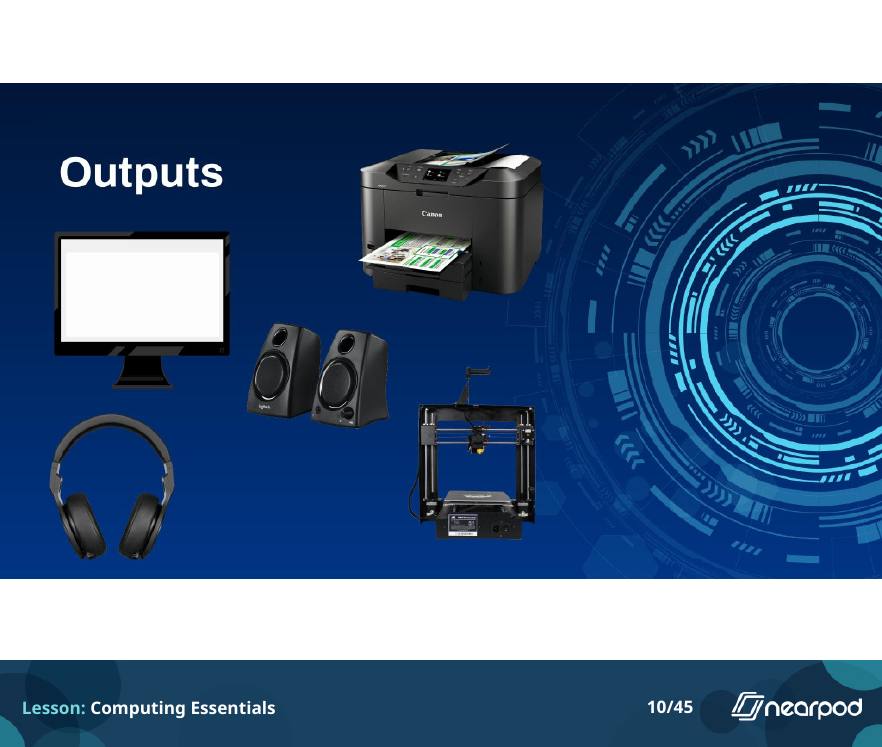
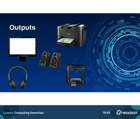 Output devices
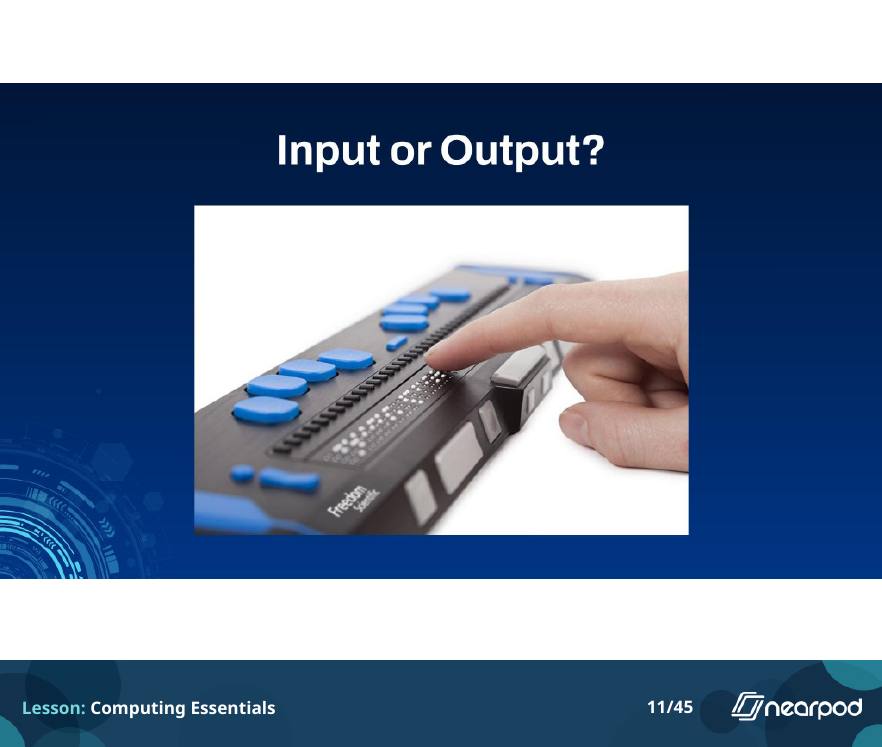
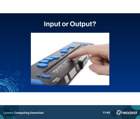 Input or output? Braille display
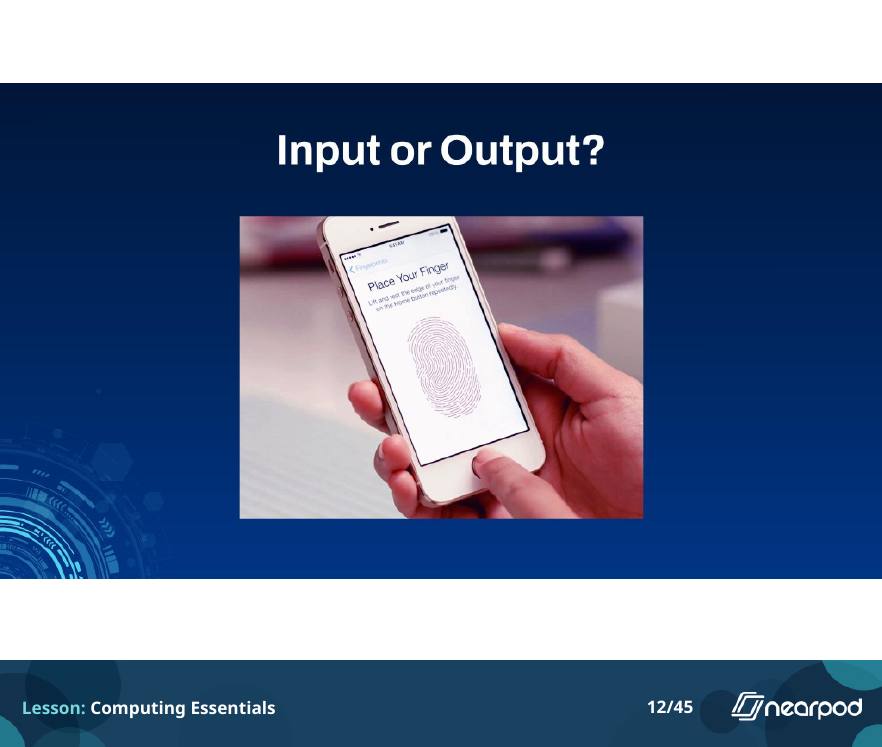
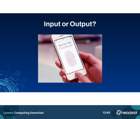 Input or output? Fingerprint scanner
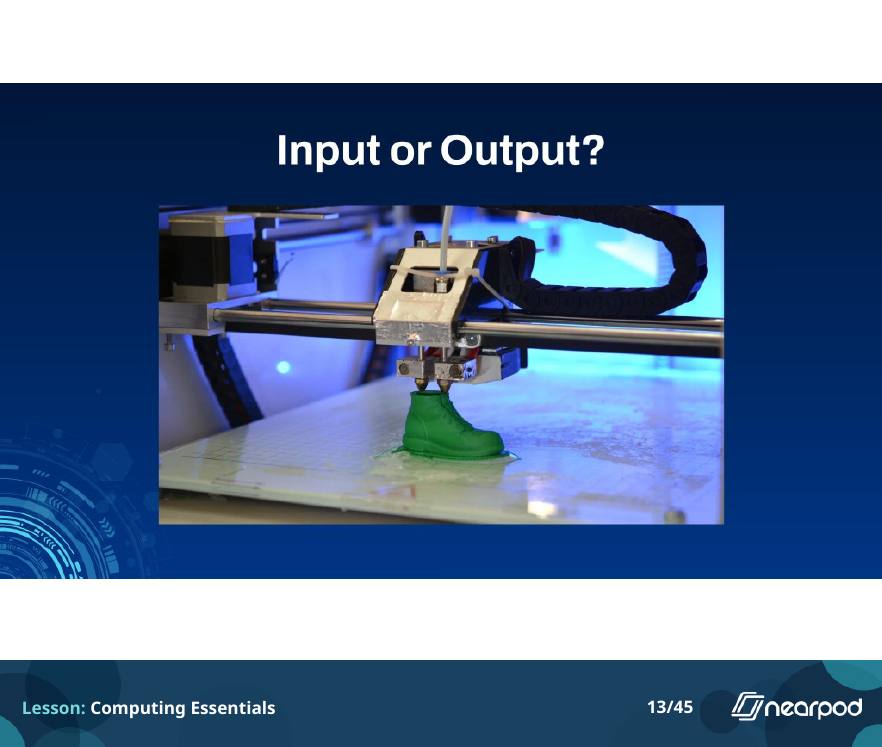
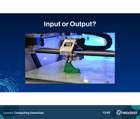 Input or output? 3D printer
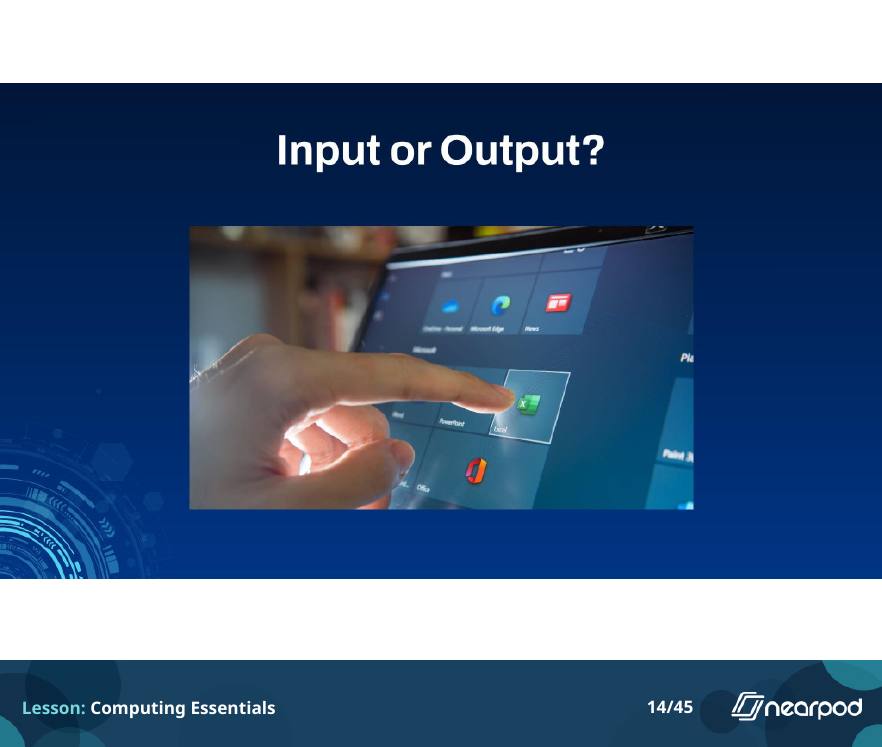
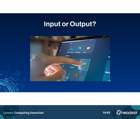 Input or output? Touchscreen
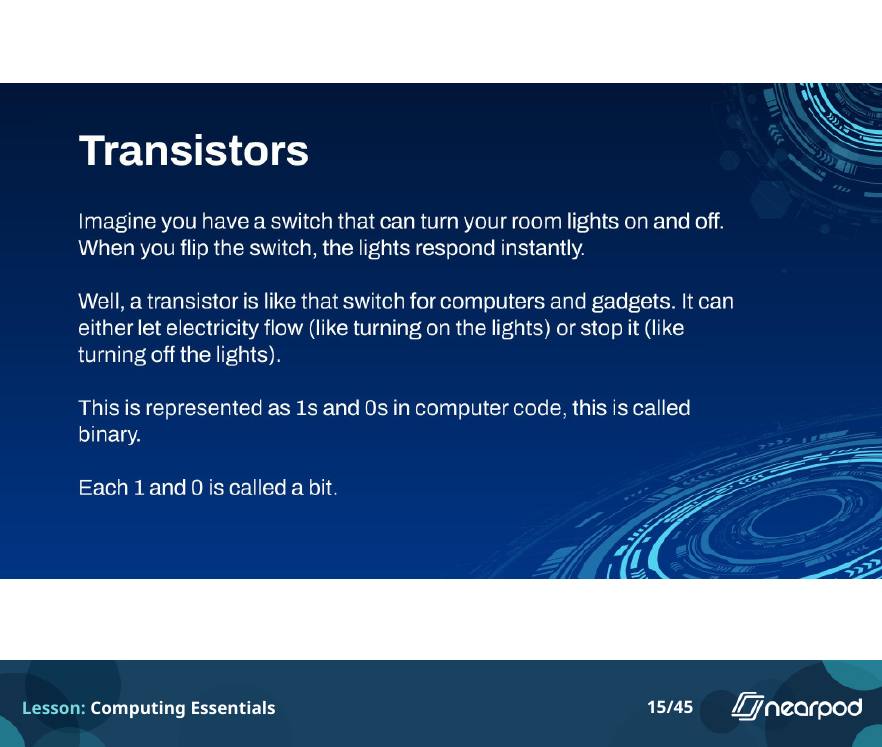
 Transistors
 Fill in the blanks
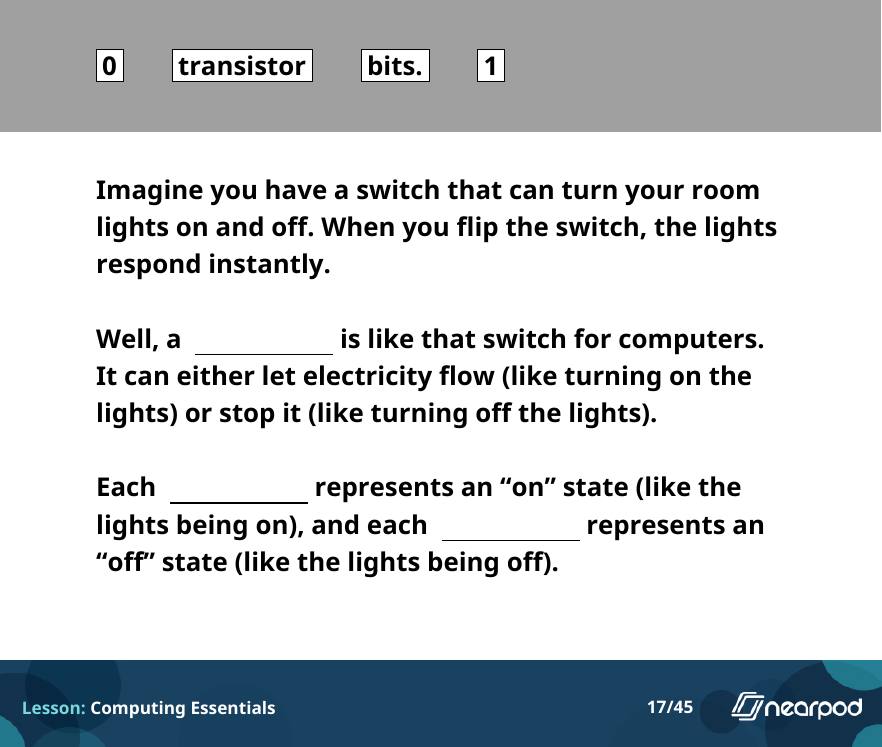
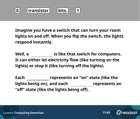 Fill in the blanks: transistors and bits
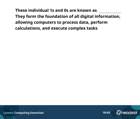 Fill in the blanks: bits
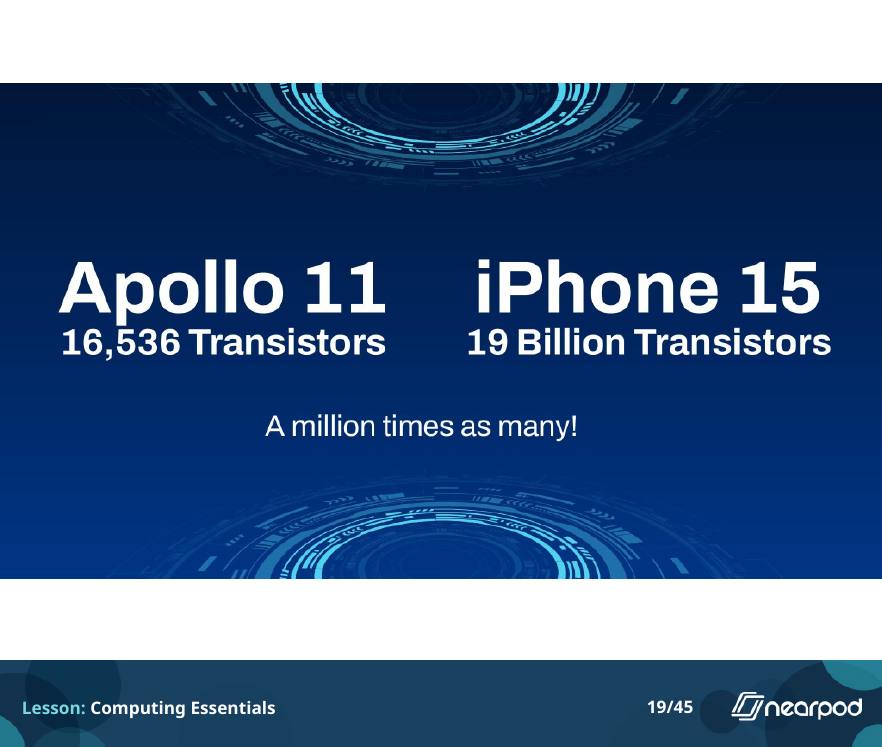
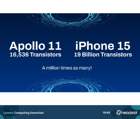 Apollo 11 vs. iPhone 15
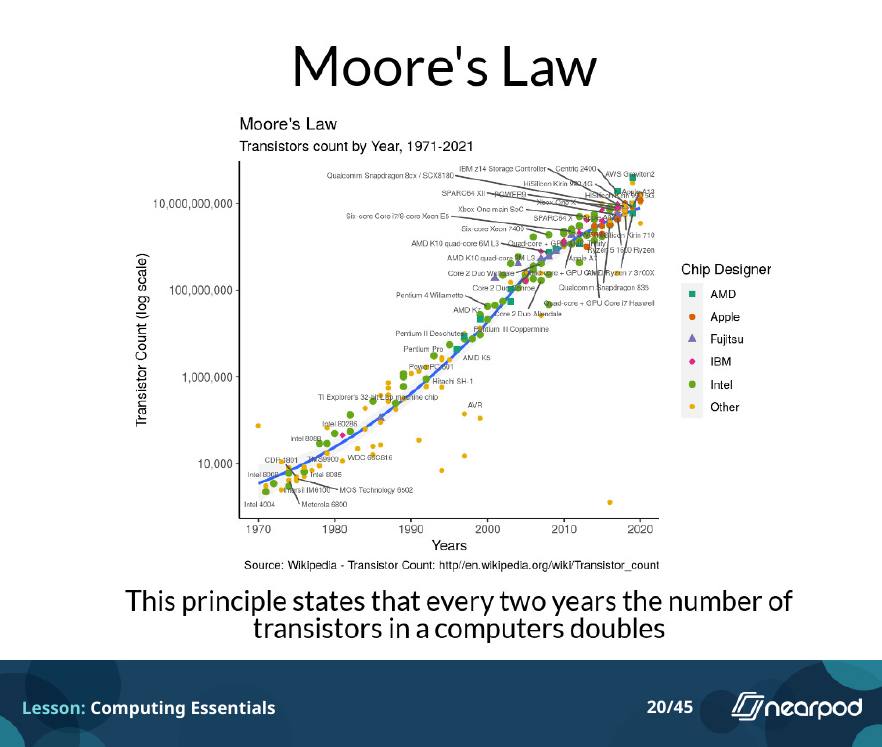
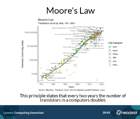 Moore's Law
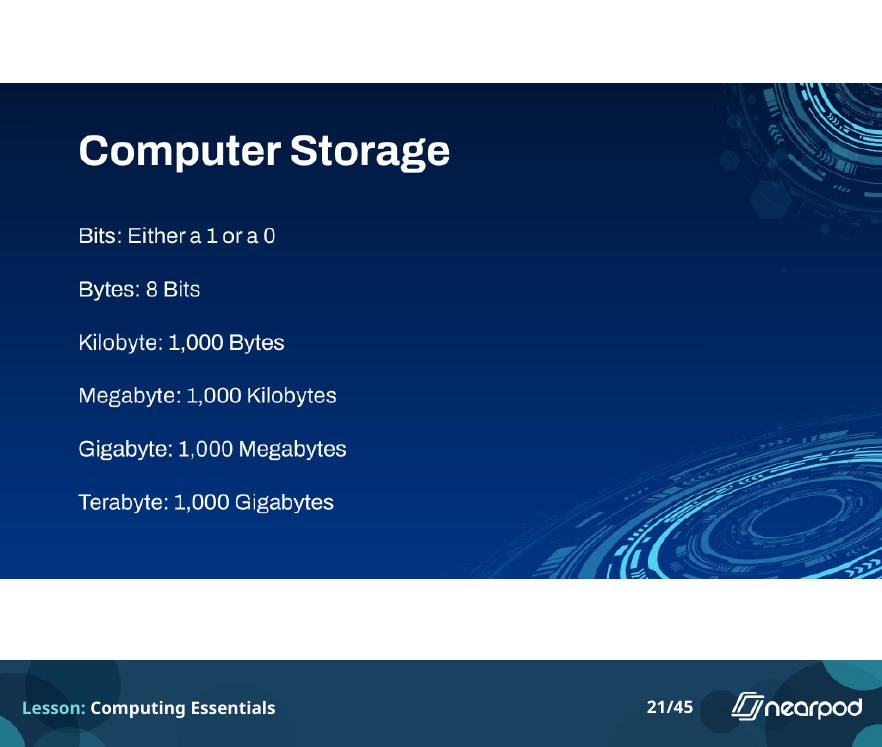
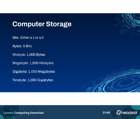 Computer storage
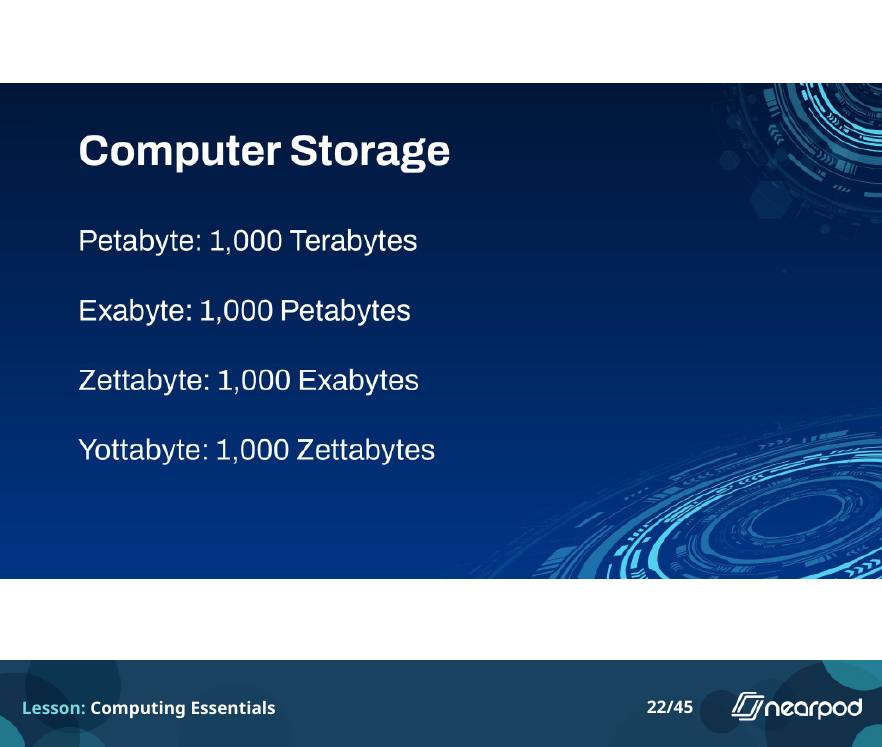
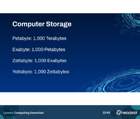 Computer storage, continued
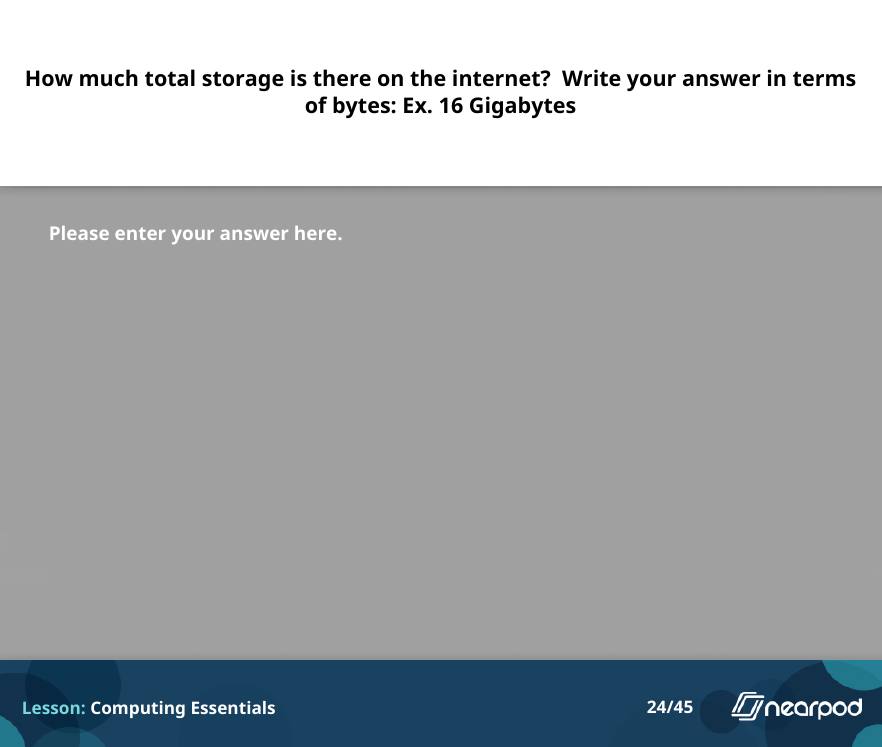
 Open-ended question
 How much storage is on the internet?
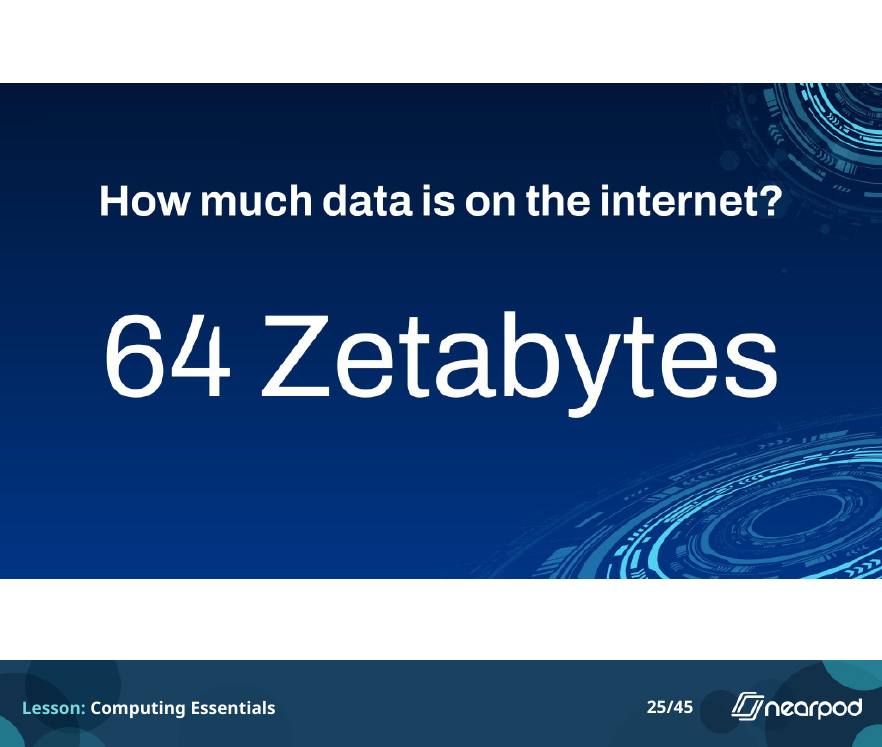
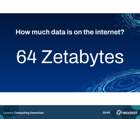 The answer: 64 zettabytes
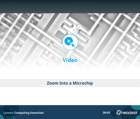 Video: zoom into a microchip
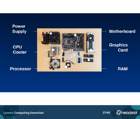 The parts of a PC
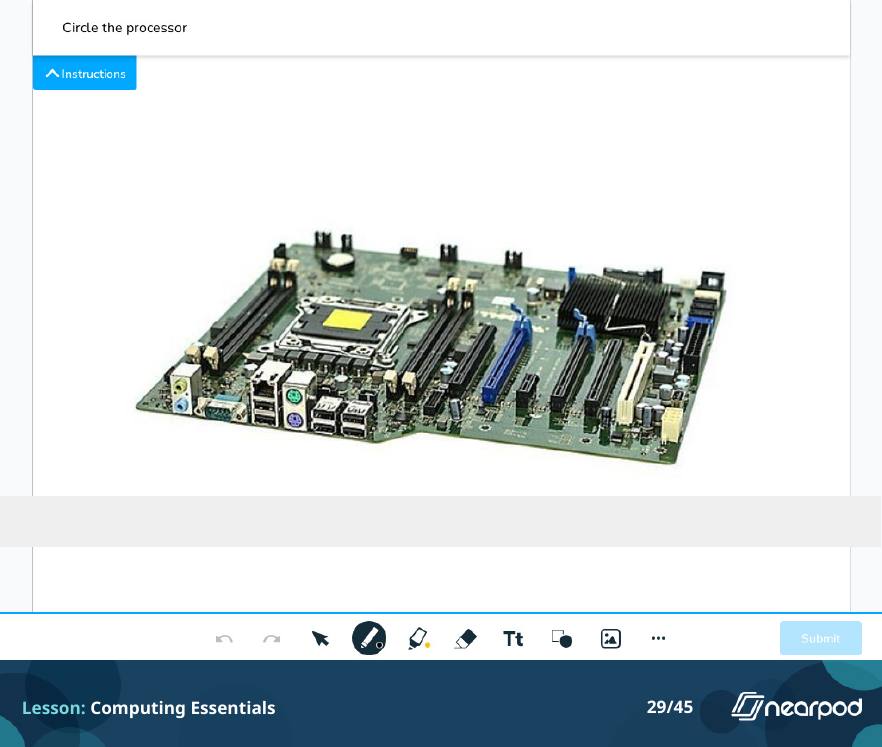
 Draw it
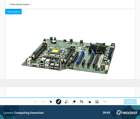 Circle the processor
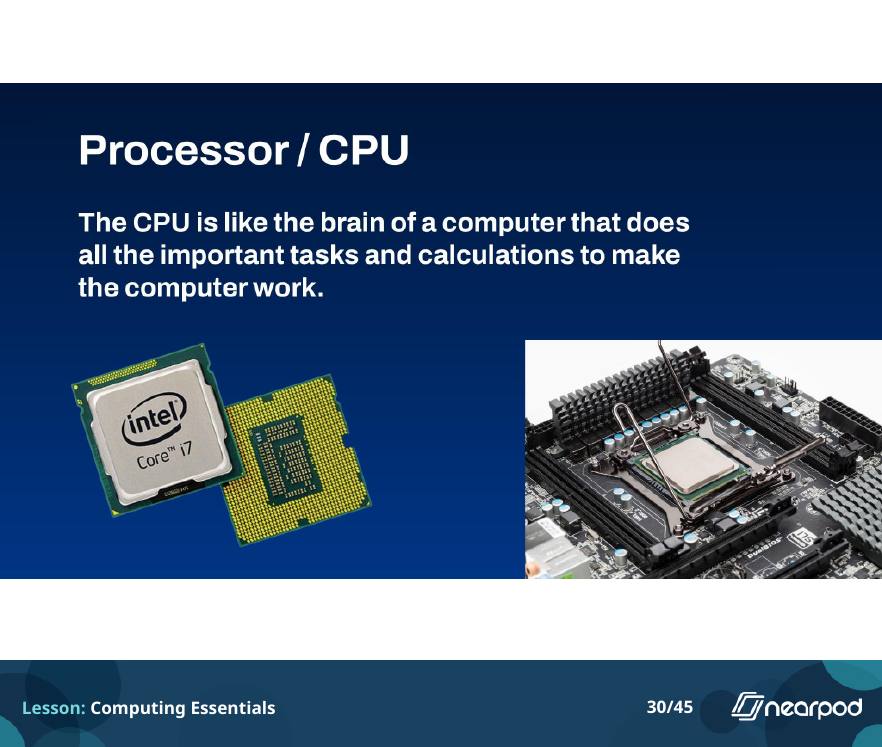
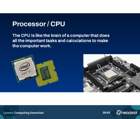 The CPU
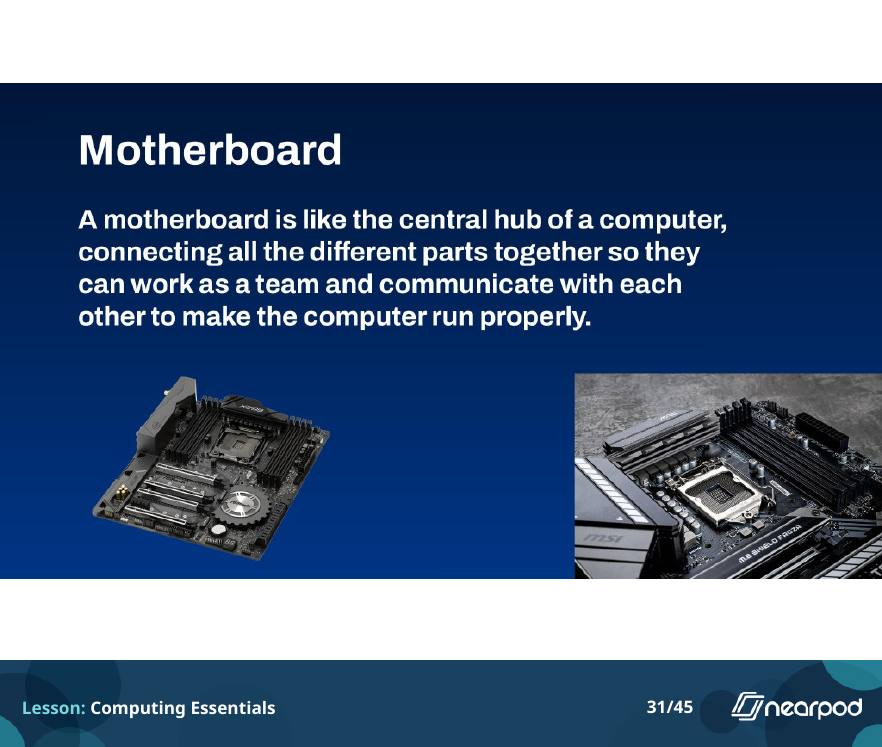
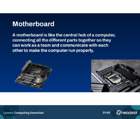 The motherboard
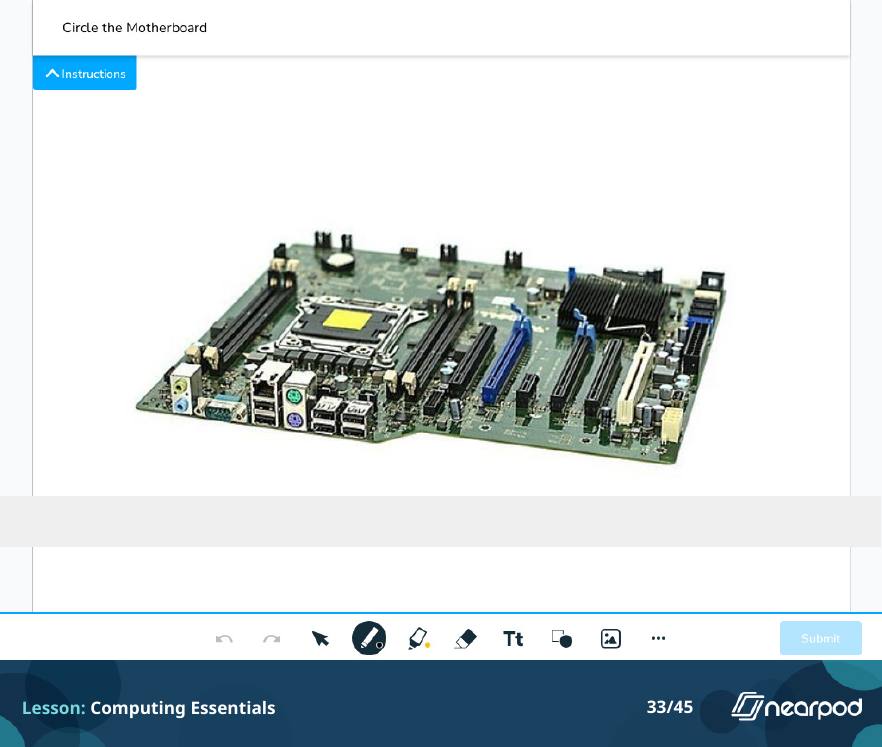
 Draw it
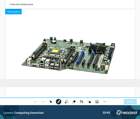 Circle the motherboard
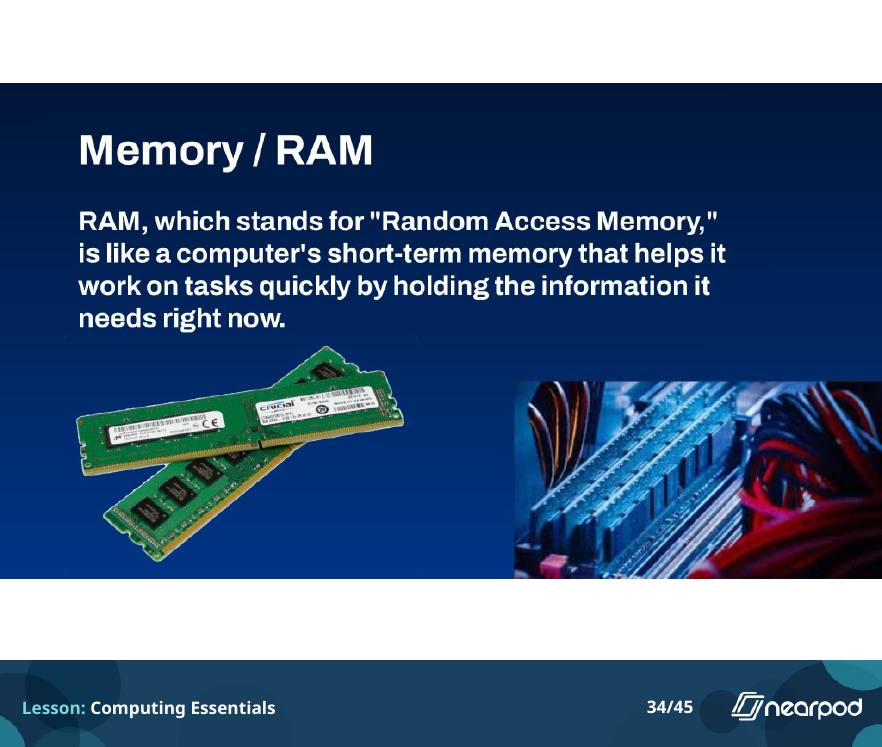
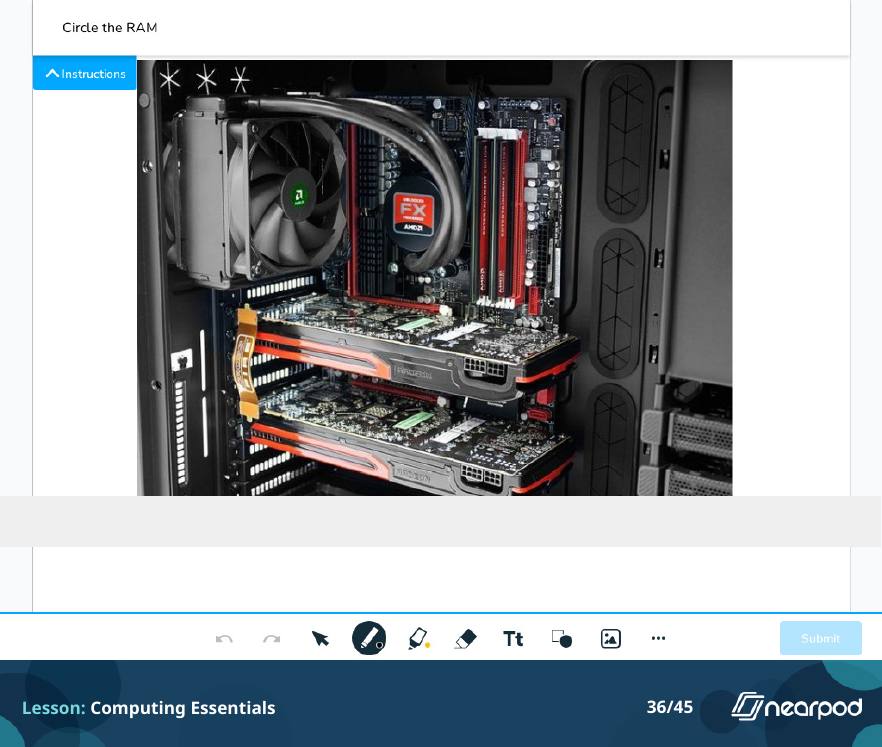
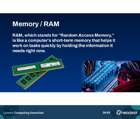 Memory and RAM
 Draw it
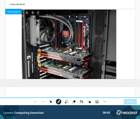 Circle the RAM
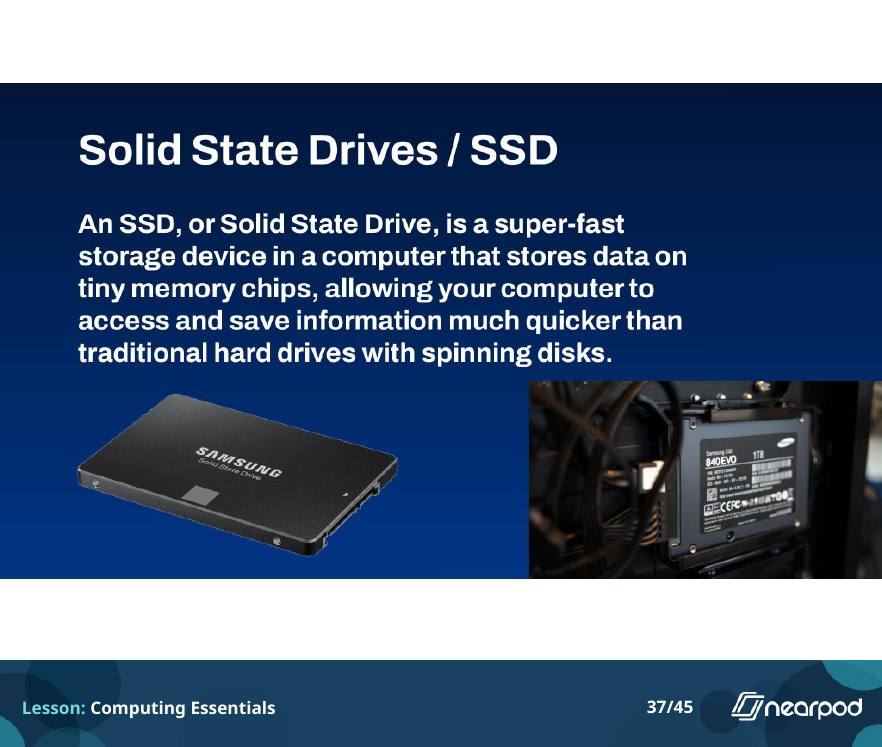
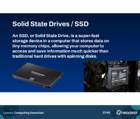 Solid state drives
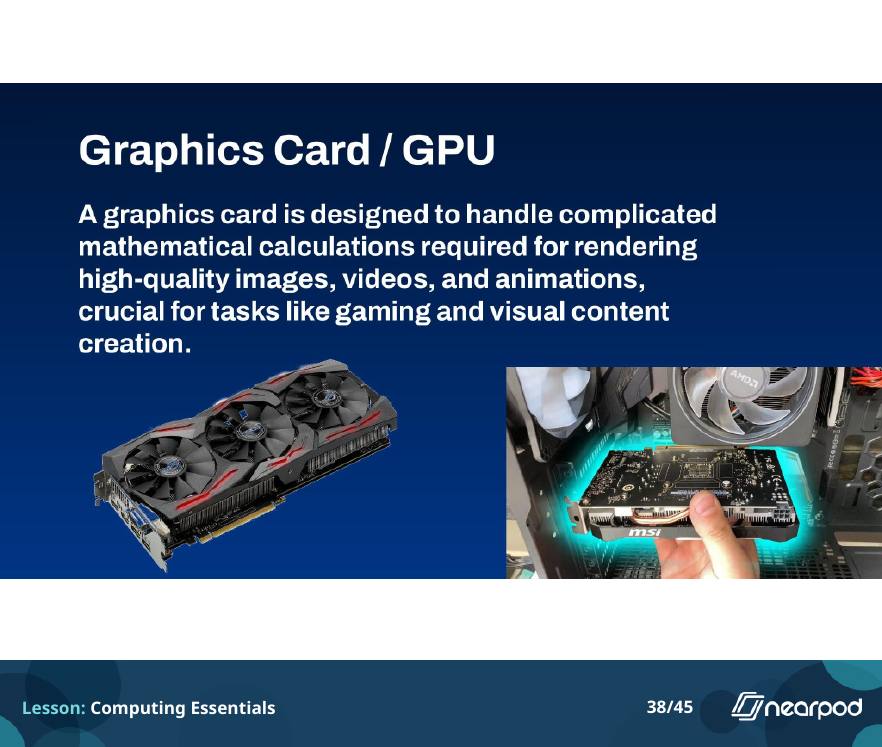
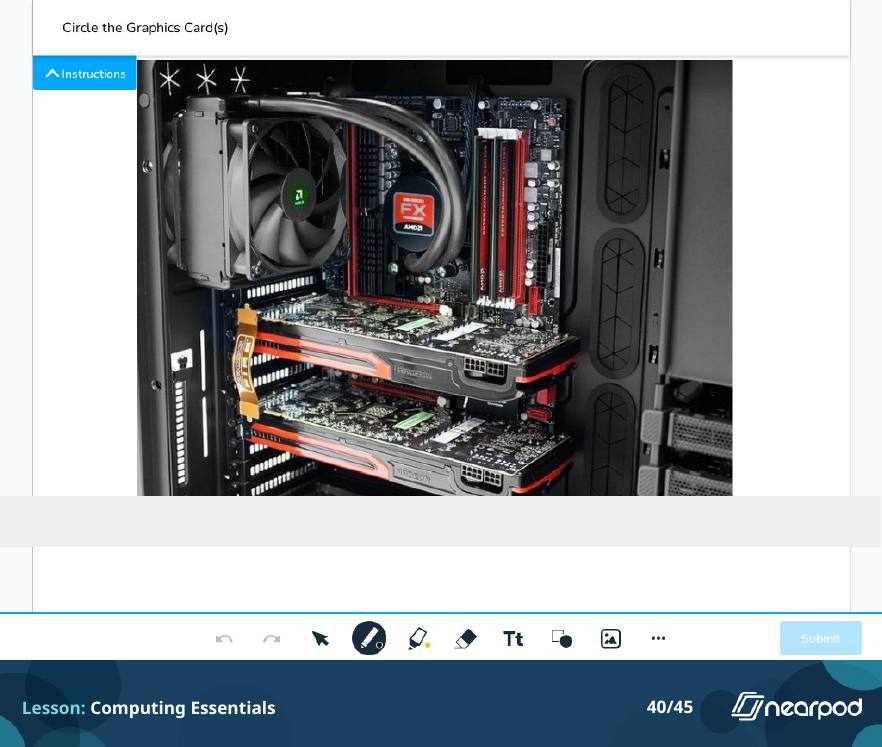
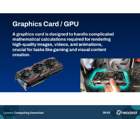 The graphics card
 Draw it
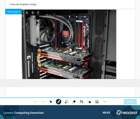 Circle the graphics cards
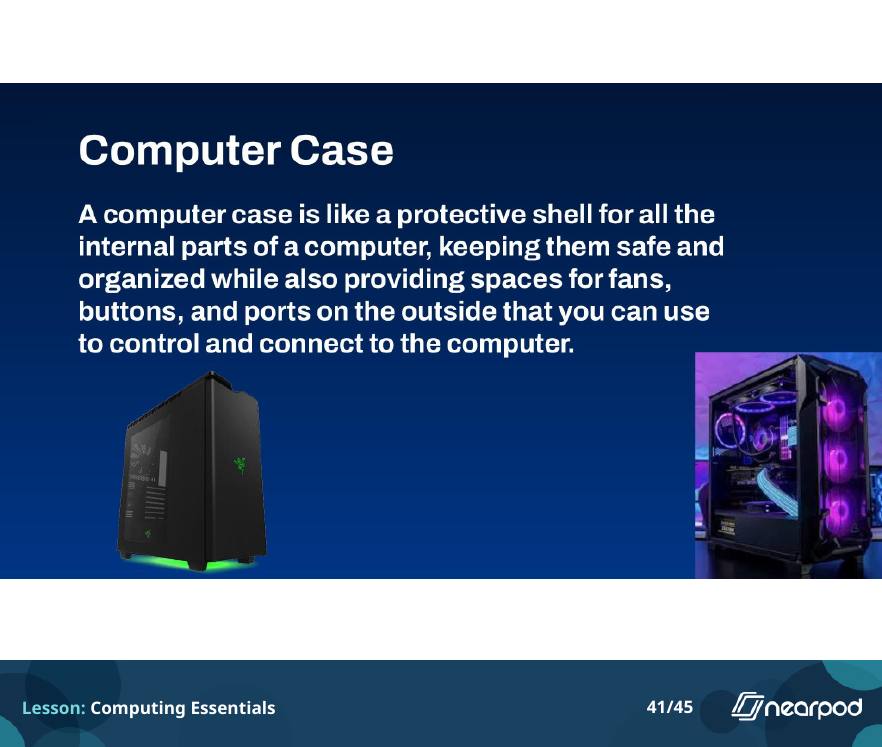
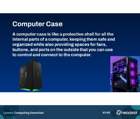 The computer case
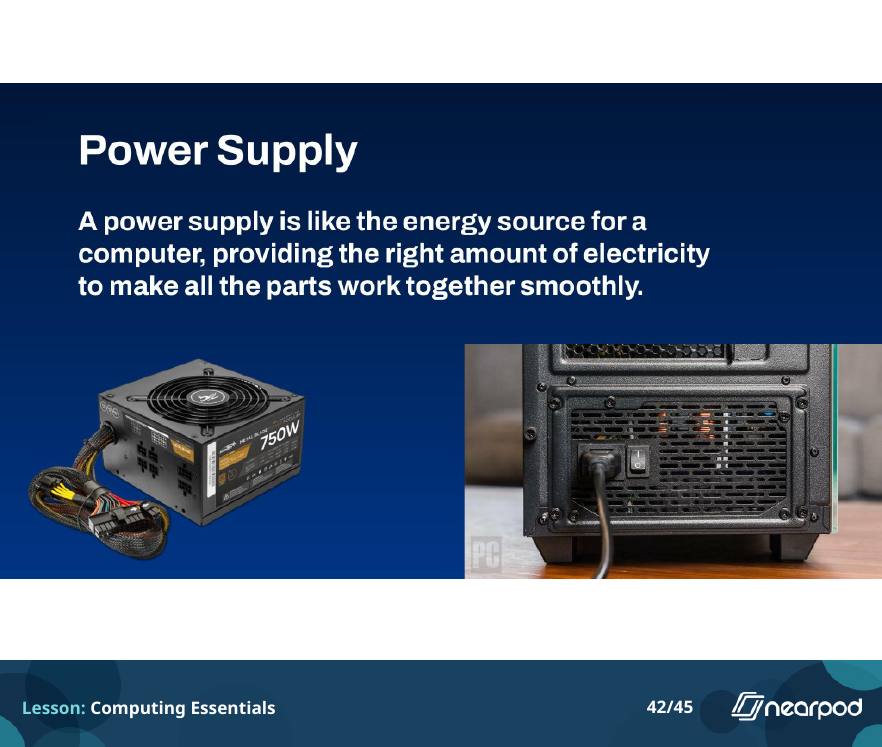
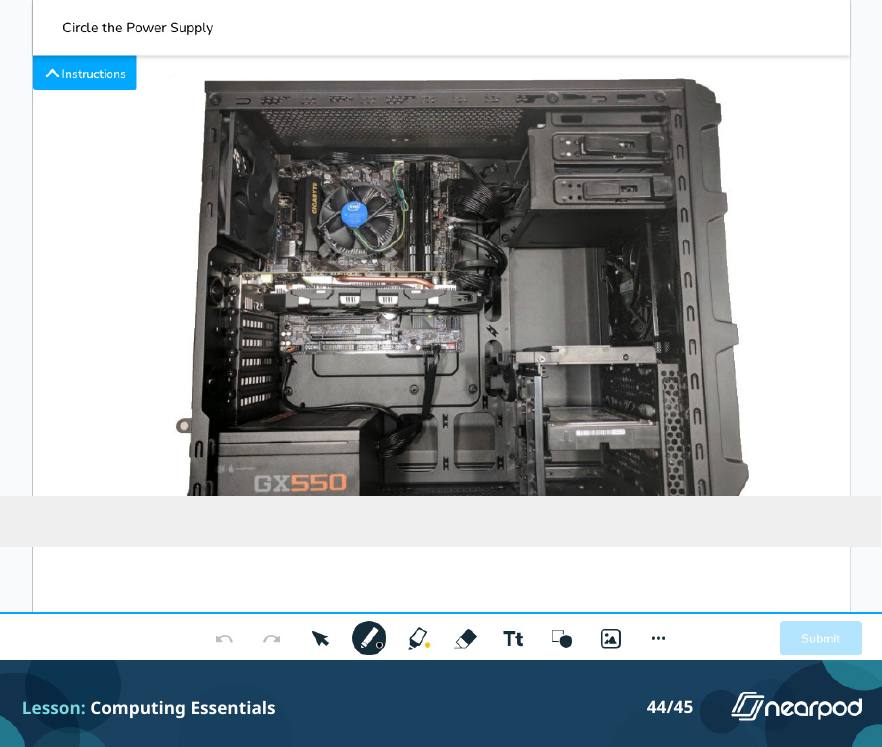
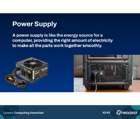 The power supply
 Draw it
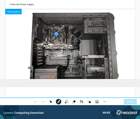 Circle the power supply
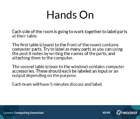 Hands on
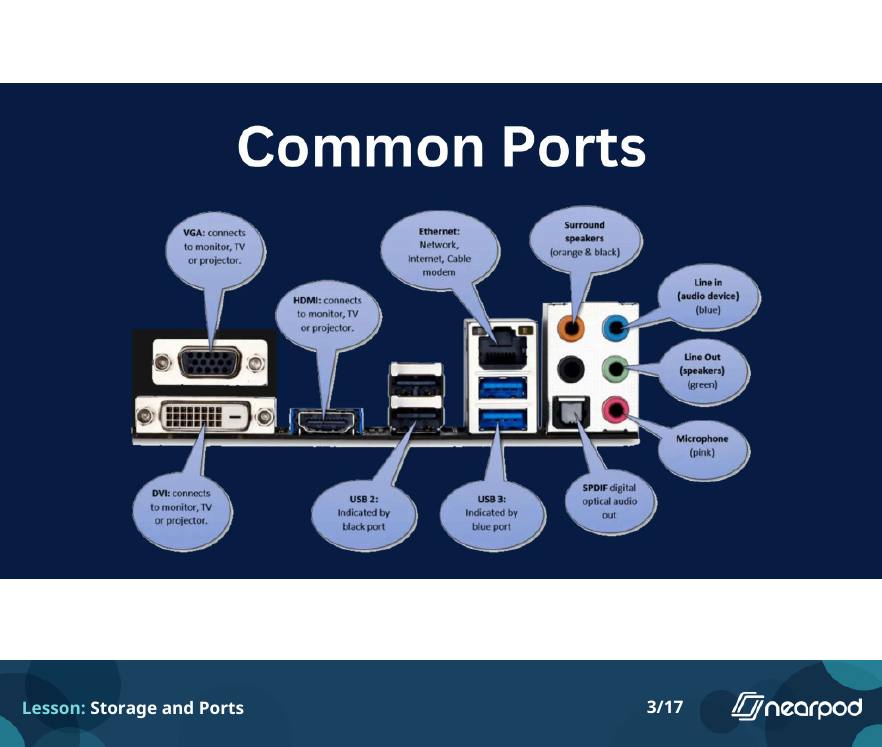
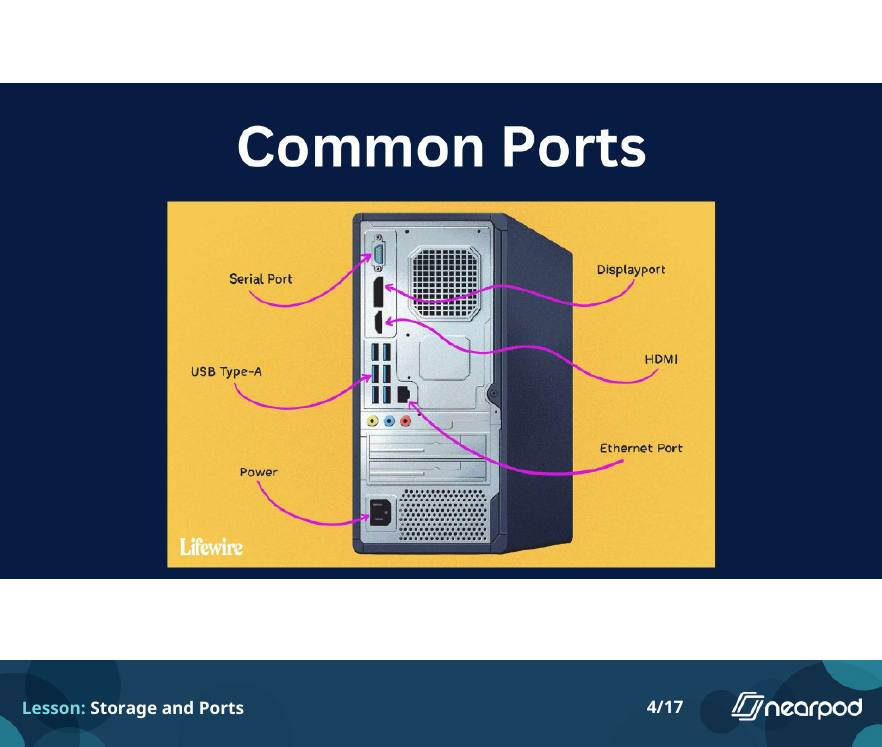
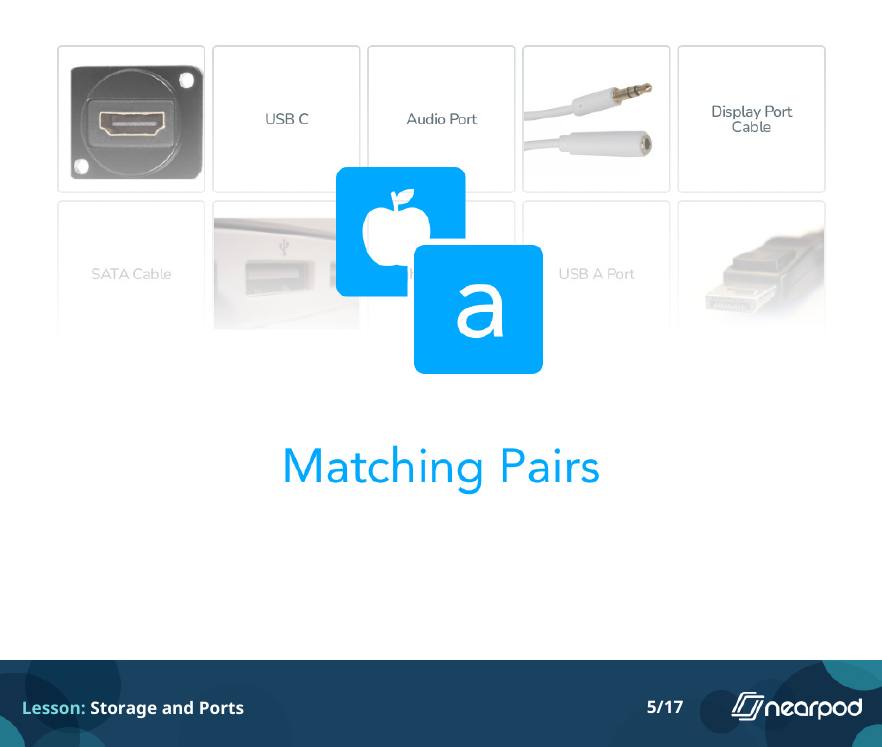
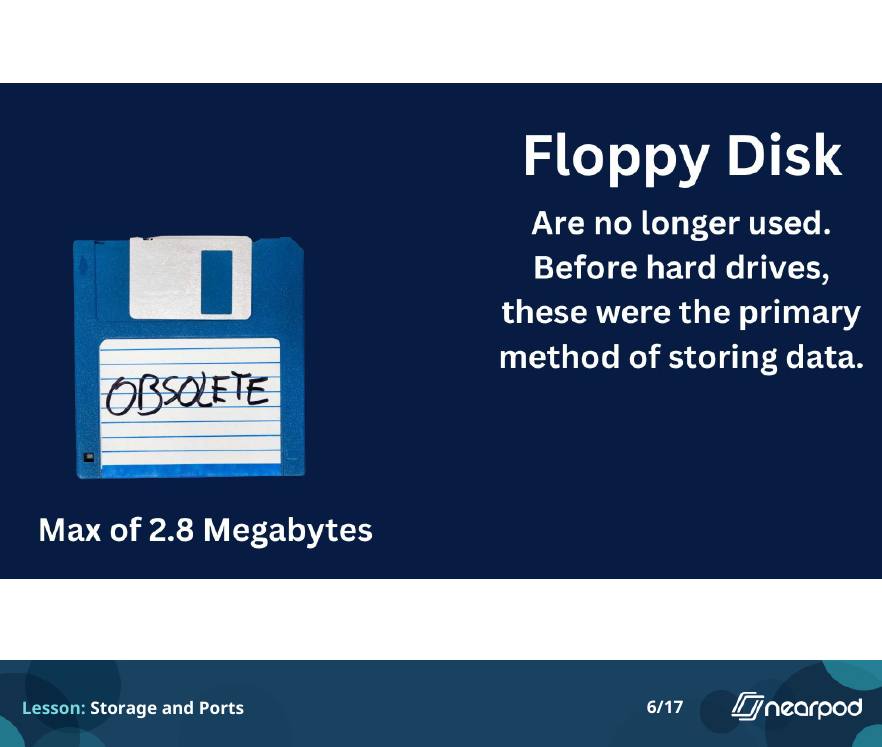
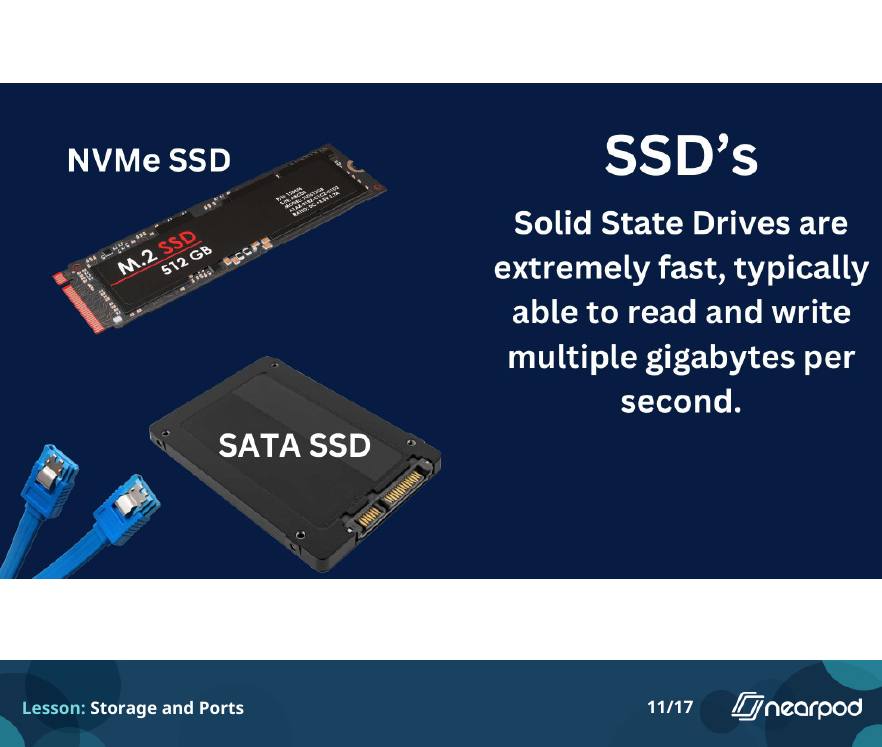
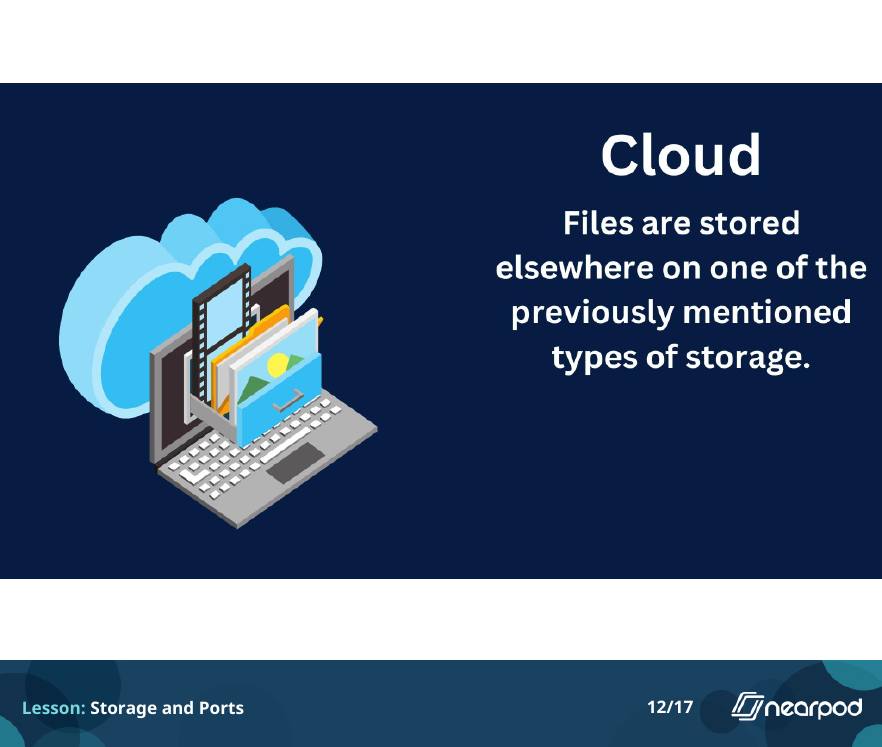
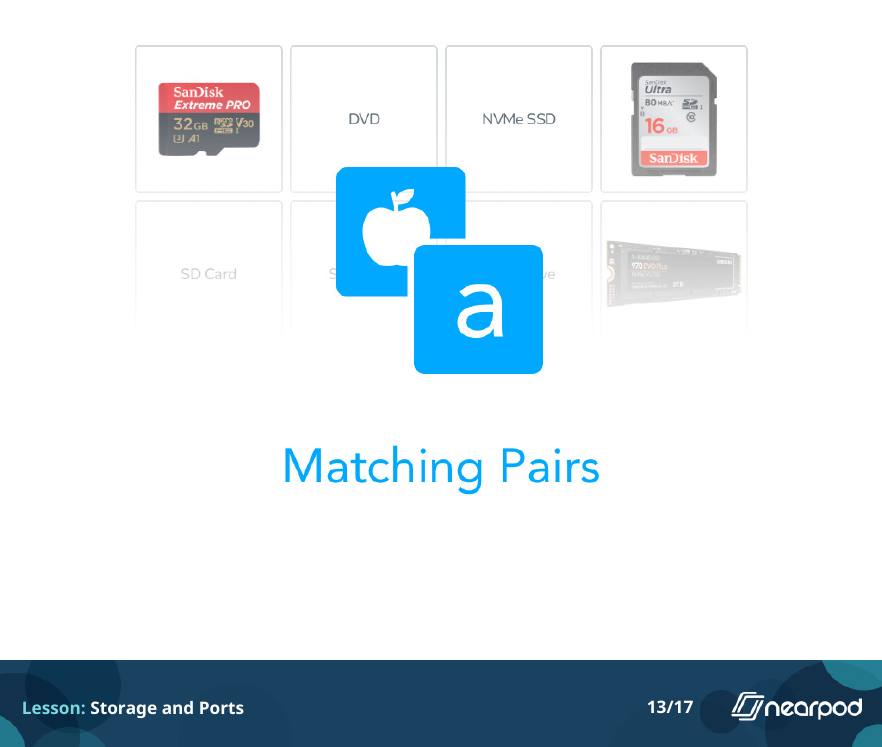
All 17 slides. A tour of storage and ports with two matching activities and fill-in-the-blank checks.
Storage and Ports Storage and Ports · slide 1 of 17
1 / 17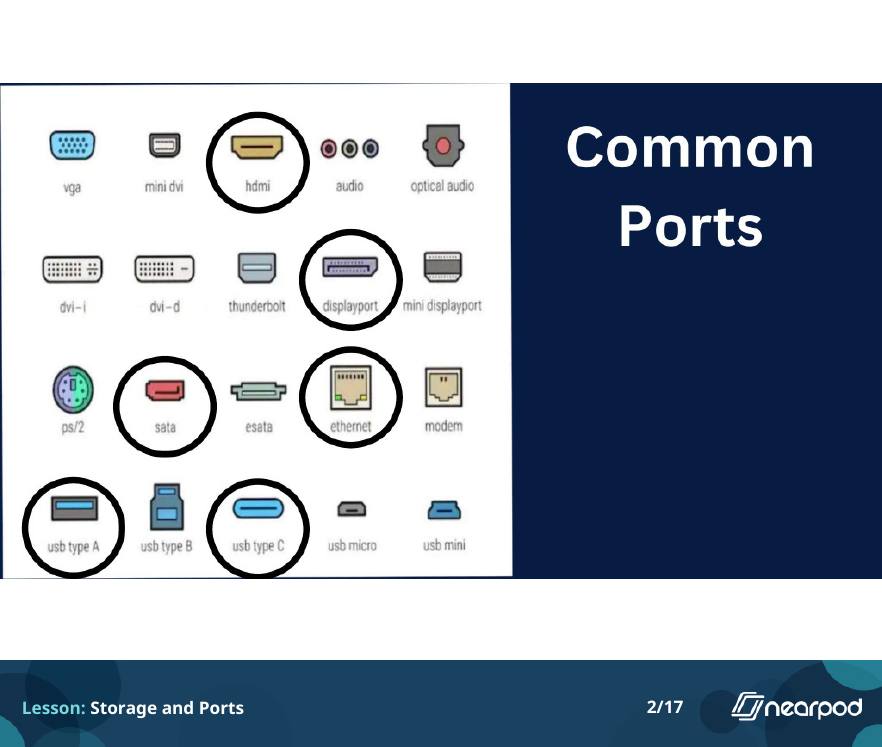
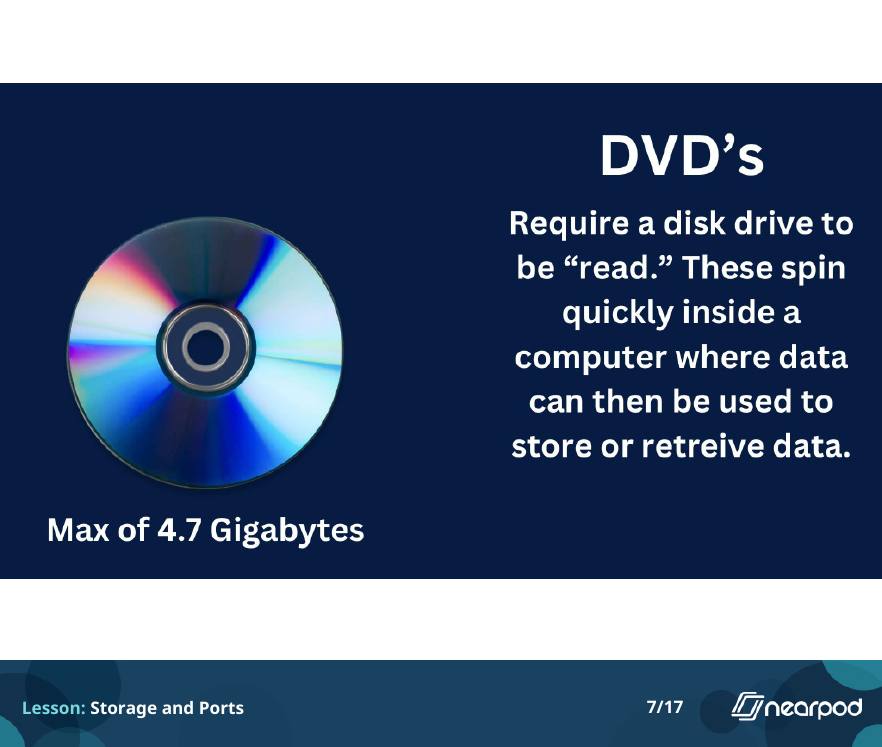
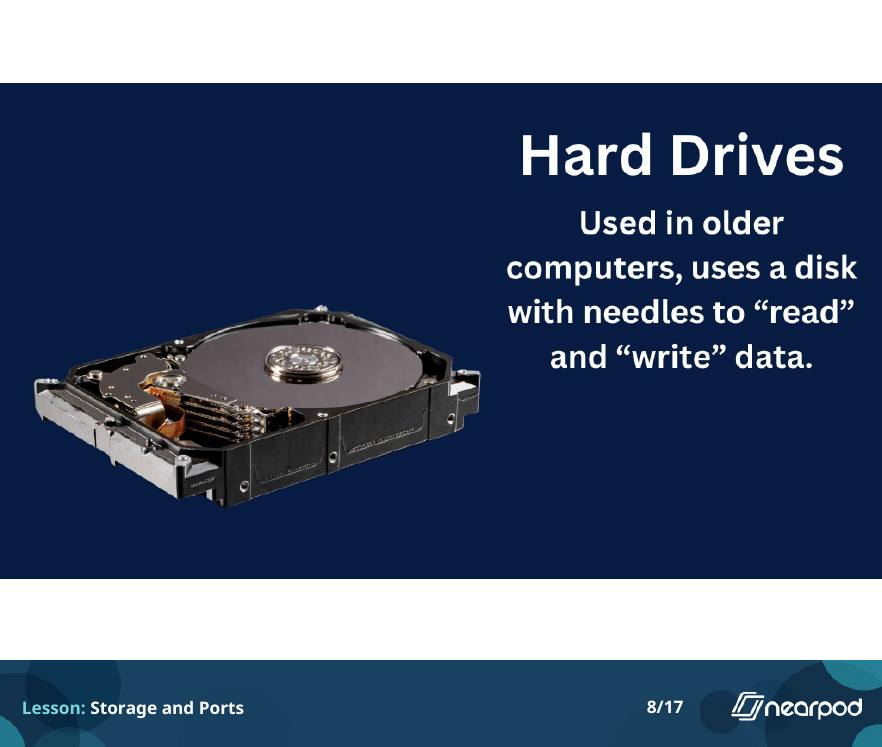
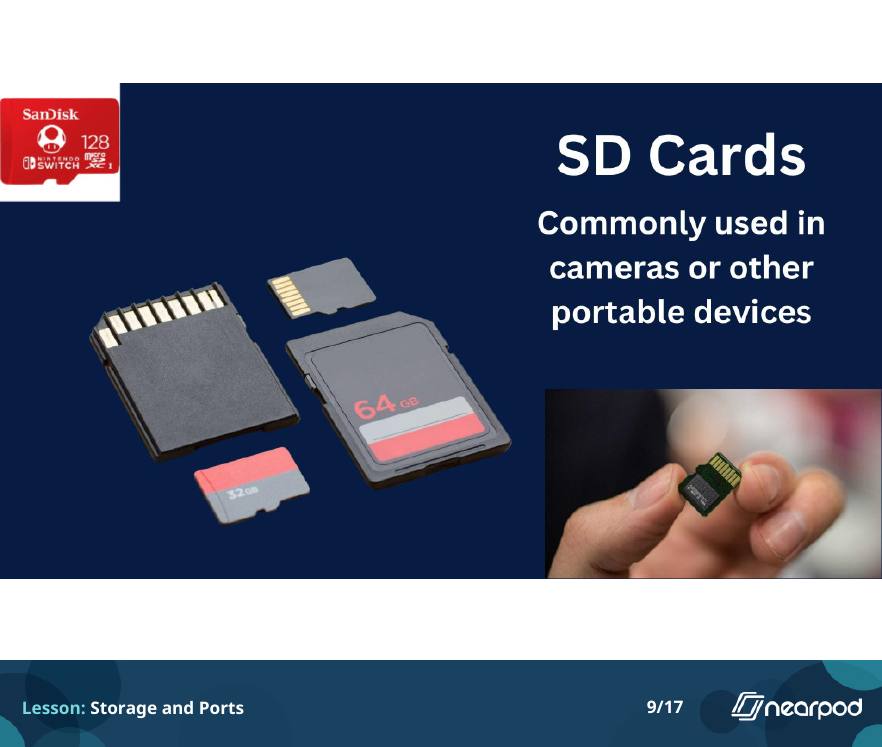
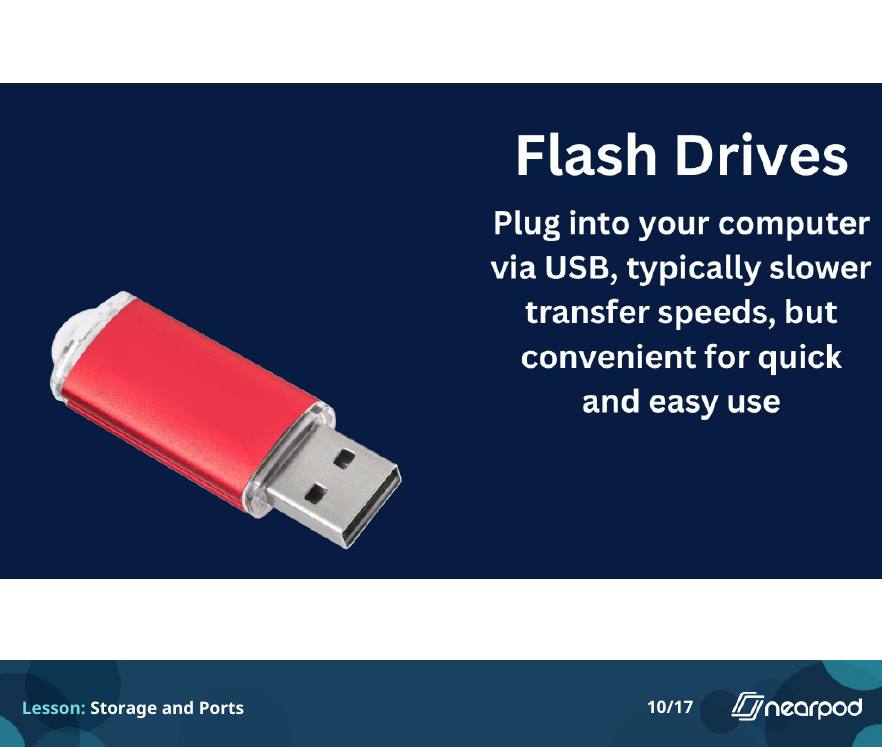
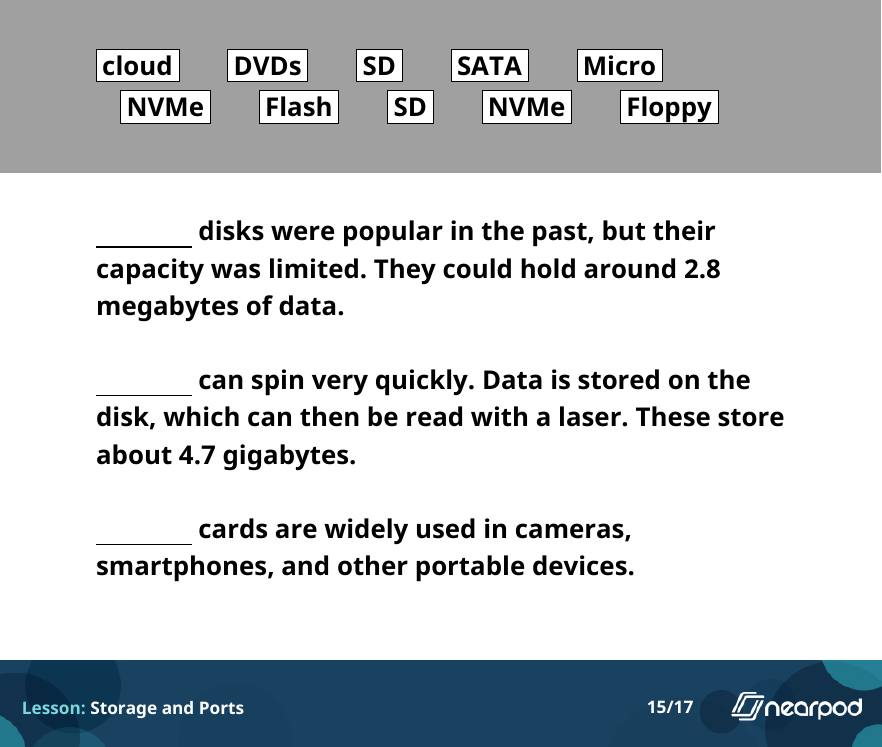
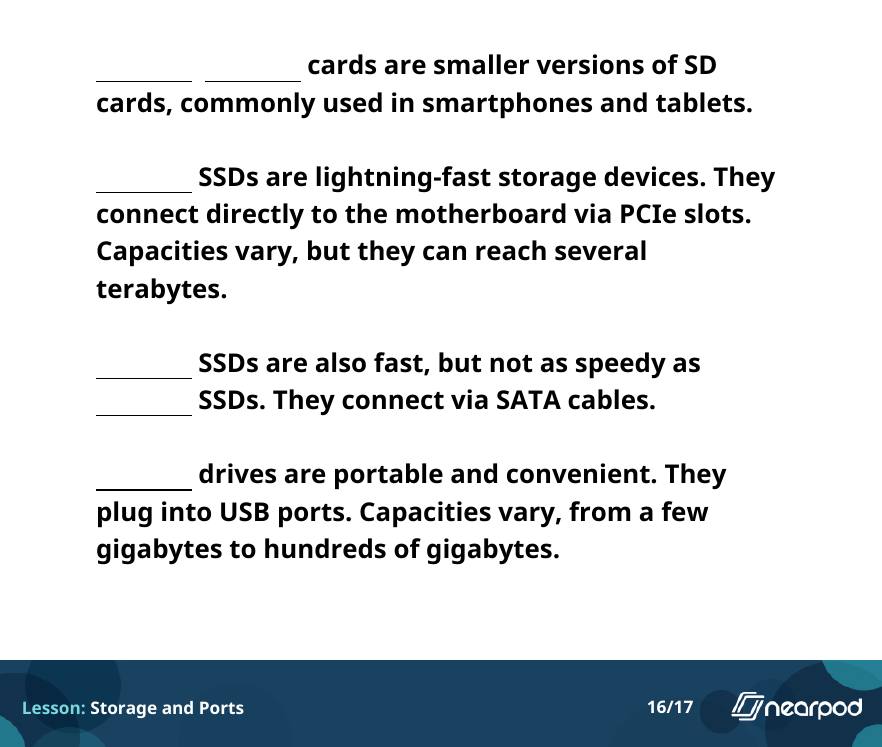
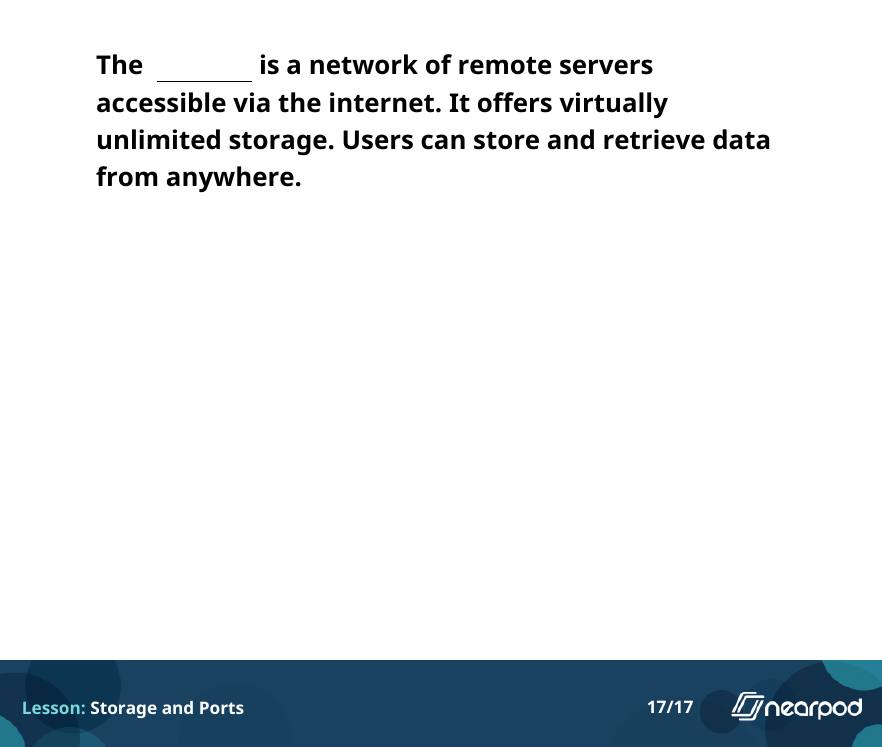
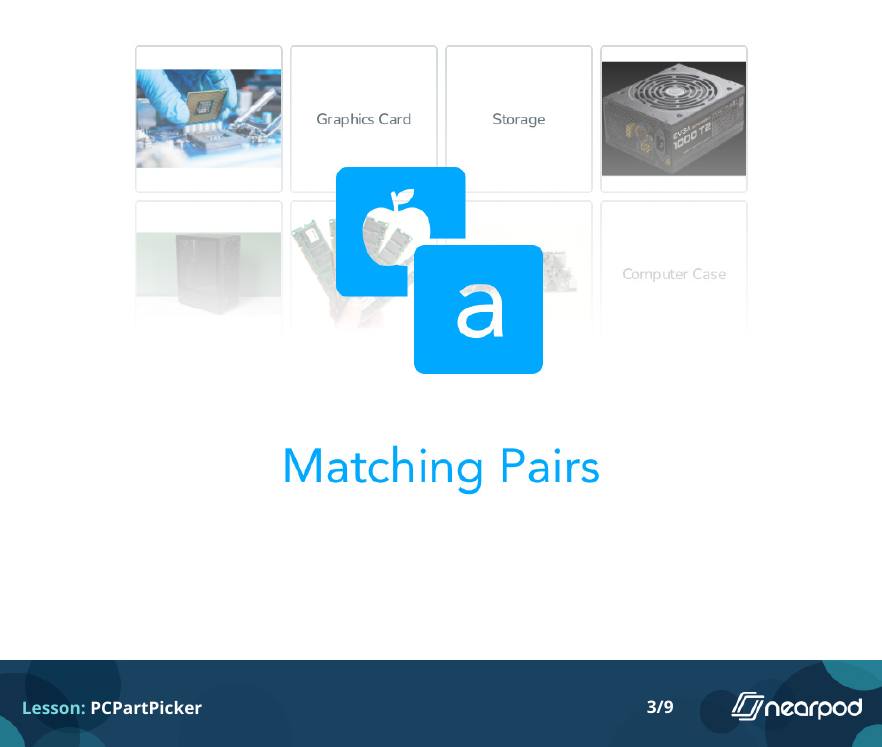
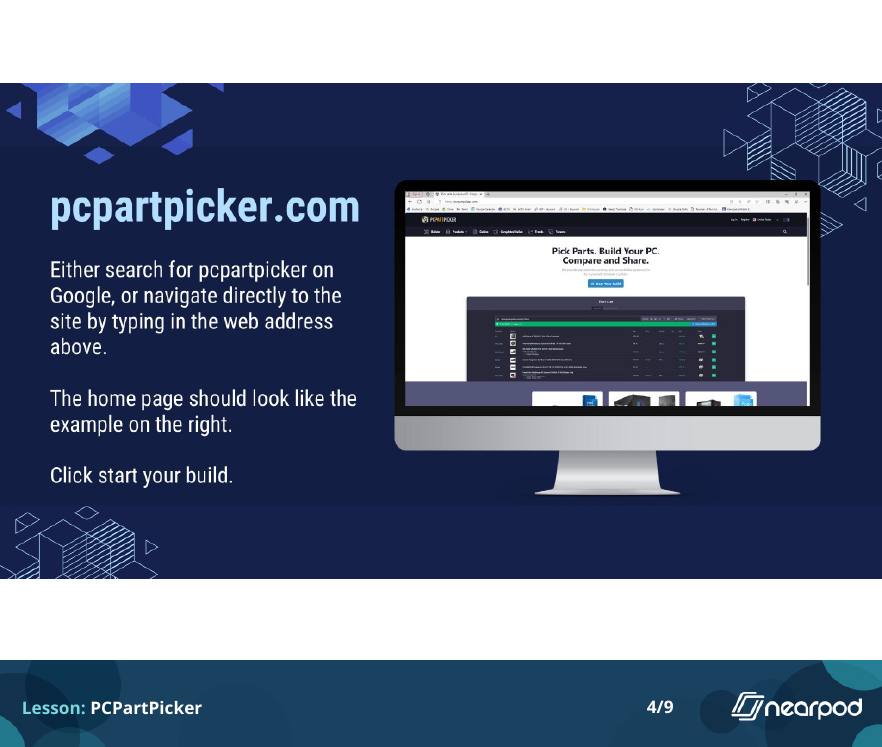
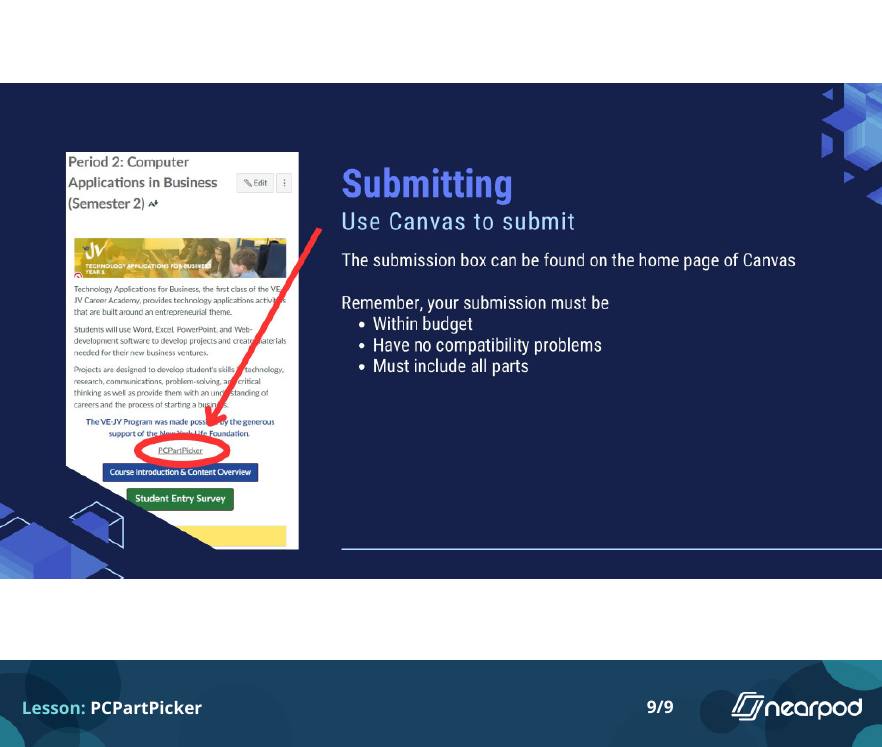
All 9 slides. A matching warm-up, then students build a PC on PCPartPicker. Each table gets a different budget, and the build has to be compatible and complete.
Create a computer PCPartPicker · slide 1 of 9
1 / 9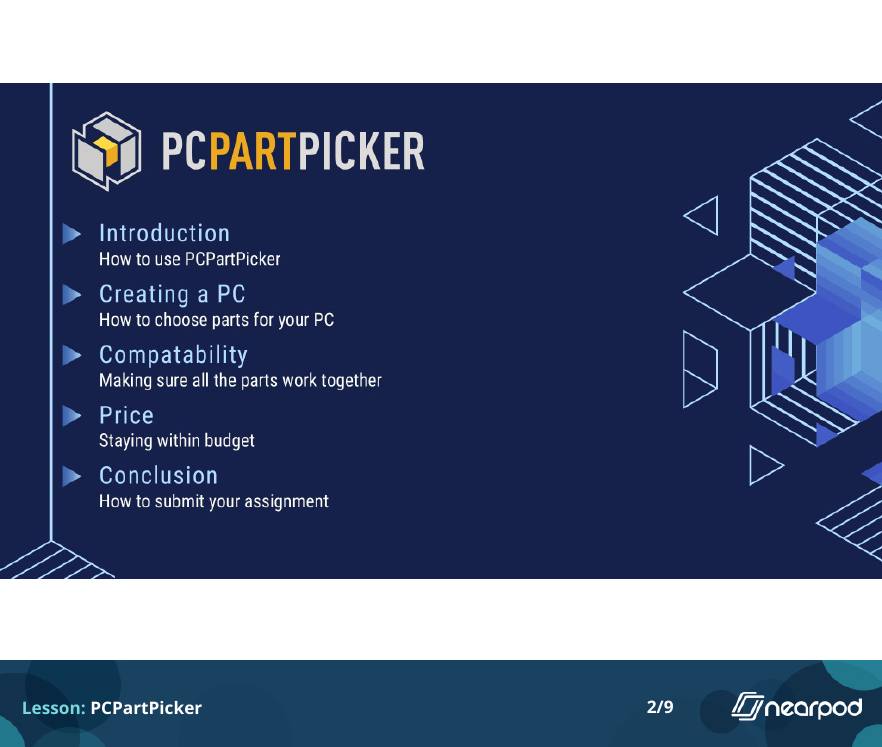
Preparing students for what comes next
Beyond the software, I wanted every student to leave with practical skills for high school and for life, including how to handle money.
Budgeting
Students built a budget around the career they most wanted, the place they wanted to live and the car they wanted to own, using the research and Excel skills they had built all year.
Money in practice
Students learned about credit scores and credit cards, traded a $100,000 paper portfolio all year, and had to write a check for every supply in the Tallest Tower challenge.
Career exploration
Students mapped possible lives, researched careers with the Bureau of Labor Statistics, learned about Florida colleges and Bright Futures, and found local volunteer organizations.
High school prep
8th graders looked at the electives at their prospective high school and picked classes that fit their interests.
Typing
Every class opened with five minutes of typing practice on typing.com.
Professional writing
Students practiced writing professional emails, then wrote a Future Email scheduled to reach them years later.
SMART goals
Students learned what makes a goal specific and measurable, then set goals of their own.
Responsible AI
Students learned how to use AI responsibly, alongside lessons on digital wellbeing.
Capstone: a digital portfolio
Students used Google Sites to build an e-portfolio showcasing their projects and what they learned during the semester or year.
Student work
A selection from all four courses, with student names removed. It changes every few seconds, or pick a set below.
A rotating sample from across the year: Canva designs, Excel projects, career exploration and business work. Pick a set to focus on one kind of project.
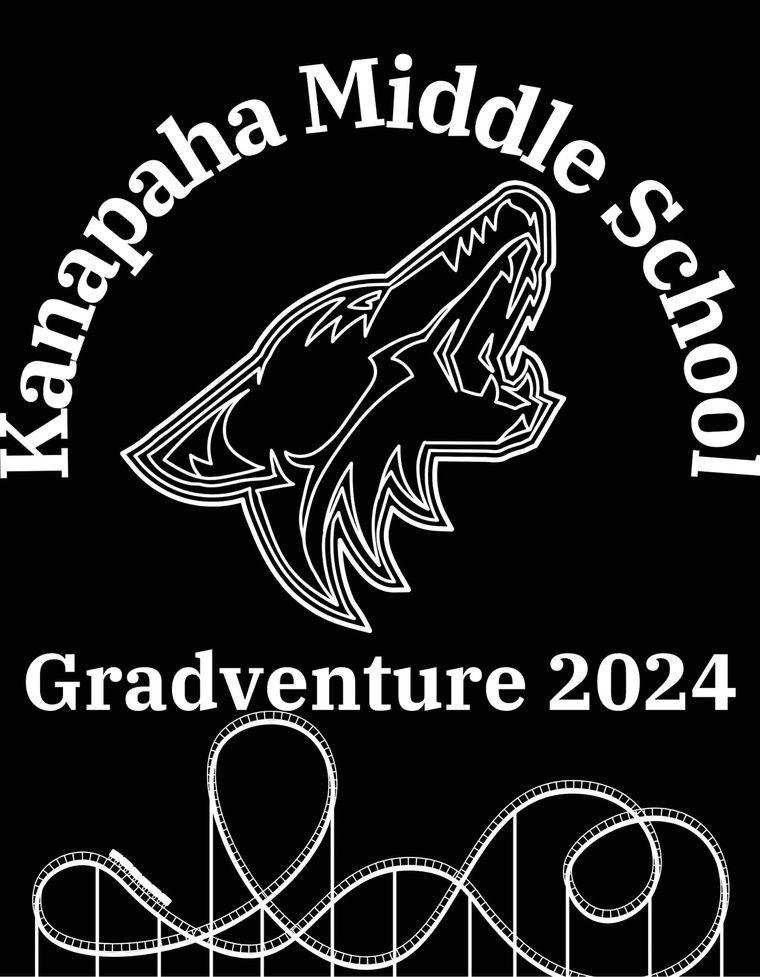
Shirt design Canva, Gradventure 2024
How I designed the projects
- Teach to the test where it matters. The questions on certification test prep closely match the real exam, so I pushed students to finish them.
- Let students see their growth. Practice tests came up periodically so students could watch their scores climb.
- Build one skill on the next. Each Excel assignment added to the last, and the unit ended with a payroll register that used everything students had learned.
Every project, by type
Open a category, then use the plus button on any project to read what students did.
Cybersecurity
Cybersecurity Poster
Students use Microsoft Word to create a poster warning others about scams and the importance of cybersecurity.
Cybersecurity Scavenger Hunt
Students visit a site and solve a series of puzzles to unlock a secret code. The puzzles use what they learned about cybersecurity in earlier lessons. Try the hunt
Computing
Build a PC
Students build their own PC using PCPartPicker under the constraint of a budget.
Tech Timeline
Students choose a piece of technology, research its history and create a timeline.
Word Processing
Microsoft Word Assignment 1
Introduction to Microsoft Word. Students create an “about me” document.
Microsoft Word Assignment 2
Introduction to text formatting and images. Students can design their own poster for the VE-JV program.
Microsoft Word Assignment 3
Introduction to the shapes tool. Students design a flower.
Microsoft Word Assignment 4
Introduction to templates in Microsoft Word.
Microsoft Word Assignment 5
Introduction to tables in Microsoft Word.
Microsoft Word Assignment 6
Introduction to advanced document formatting, including page margins.
Word Processing Test Prep
Preparation for the uCertify Digital Tools Word Processing certification test.
uCertify Word Processing Practice Tests
The Word Processing certification test.
Spreadsheet Essentials
Pixel Art in Excel
Introduction to Excel using pixel art.
Microsoft Excel Assignment 1
Basic cell organization, text wrapping, and currency formatting.
Microsoft Excel Assignment 2
Dynamic cell references and essential arithmetic functions like SUM and AVERAGE, alongside the AutoFill tool.
Microsoft Excel Assignment 3
Sorting data and creating structured Excel tables.
Microsoft Excel Assignment 4
Building basic charts to visualize business metrics.
Microsoft Excel Assignment 5
Creating a payroll register using everything learned in the previous lessons.
Spreadsheet Essentials Test Prep
Preparation for the uCertify Digital Tools Spreadsheet Essentials certification test.
uCertify Spreadsheet Essentials Practice Tests
The Spreadsheet Essentials certification test.
Career Exploration
Possible Lives Map
Based on the book “You Majored in What?” by Katharine Brooks. Students create a web of possible lives to explore their interests.
B.L.S. Search
Students learn how to use the Bureau of Labor Statistics to research a career they are interested in.
Colleges / Bright Futures
Students learn about the state university system in Florida. They also learn about the Bright Futures Scholarship and the requirements to earn it.
Volunteer Organizations
Students research local volunteer organizations they can join to earn hours for the Bright Futures Scholarship. They make a presentation on their organization of choice.
Dream Job Essay Competition
Part of Virtual Enterprises International, this competition challenges students to think critically about their career aspirations, explore future-ready skills, and explain why they are passionate about or suited for a specific dream job.
Canva
Career Academy Video
Students use the Canva video editor to make a promotional video for one of the high school career academies in Alachua County.
Business Card
Students design a business card for themselves using Canva.
T-Shirt Design
For 2024 the 8th grade class went to Universal Orlando for graduation. Students designed t-shirts in Canva as part of a schoolwide competition.
Vision Board
Students create a vision board using Canva.
Personal Finance
Budgeting
Students create a budget based on the career they are most interested in, the location they want to live in, and the car they would like to own, using tools and resources from previous lessons.
Credit and Credit Cards
Students learn about credit scores and credit cards.
Stock Simulation
Students learn about the stock market, then practice trading on TD Ameritrade’s paper trading platform for school. They start with $100,000 and can make trades each week, all year.
Tallest Tower
Students compete to build the tallest tower using a limited budget to buy supplies (paper, string, rubber bands, and more). To buy each item, they have to write a check.
Heritage Month Projects
AAPI Quote
Students find a quote by an Asian American or Pacific Islander that resonates with them and make a design with the quote.
Black History Month
Students research topics in Black history and make a presentation to share with the class.
Women’s History Month
Students research topics in women’s history and make a presentation to share with the class.
Other Digital Tools
Google Earth
Students learn to use Google Earth professional tools and create a project that takes them to places they would like to visit one day.
CODE.org
Students use CODE.org to learn the basics of coding.
Google Forms
Students learn how to use Google Forms.
Capstone Project
E-Portfolio
Students use Google Sites to design an e-portfolio showcasing their projects and what they learned during the class.
Communications
Email Practice
Students practice writing a professional email.
Typing Practice
Students spend the first 5 minutes of class practicing their typing skills on typing.com.
Future Email
Students write an email that is scheduled to be sent to themselves years down the line. It applies what they learned about writing emails and works as a reflection exercise.
Digital Literacy
Digital Wellbeing
Students learn about digital wellbeing.
Responsible Use of AI
Students learn how to use AI responsibly.
Other
High School Class Schedule
8th grade students look into the electives at their prospective high school and find classes that interest them.
SMART Goal Setting
Students learn about SMART goals and create goals for themselves.
Virtual Enterprises International
Virtual Enterprises International (VEI) is a nonprofit based in New York that promotes entrepreneurship and digital literacy in the classroom. Its Junior Ventures program, VE-JV, is VEI’s middle school program, and it was brand new when I started teaching.
VEI provides resources for teachers and hosts a professional learning conference in Brooklyn, which I attended.
Students are introduced to Technology Applications, where they engage in typical business projects using spreadsheet, presentation, word-processing, graphics, and web design software. Activities are centered around an entrepreneurial theme and include projects that allow students to develop foundational skills in business and technology.
In my classes, that showed up in projects like designing a VE-JV poster in Word and entering the VEI Dream Job Essay Competition.